
“This is 1 of the best TTS and its smooth. If this is truly free i'll keep this 100%. Every other TTS says its free but has a secret. They interrupt or they just say better ai voices pay. But i like this voice. I've tried loads and this is 1 of the best ones that actually says free.”

Listen to arXiv Papers
Turn any arXiv paper into audio. Open it in Chrome, click CastReader, and listen to research papers with natural AI voices.
Why Listen to arXiv with CastReader?
Keep up with research without screen fatigue
Any arXiv Paper
Open the HTML version of any arXiv paper in Chrome and click CastReader. It reads the paper aloud, skipping navigation and formatting noise.
AI Voices for Dense Content
阅读论文时,可用声音带着你跟随原文。CastReader 支持 28 种语言,专业术语的发音和可用音色因语言与客户端而异,开始前可先试听。
Paragraph Highlighting
Each paragraph is highlighted as it's read. Click any section to jump there — great for skipping to methodology or results.
Built for Researchers
Free to use, no signup required. Perfect for grad students and researchers. Upgrade to CastReader Pro for premium voices, more listening hours, and AI document analysis.
Frequently Asked Questions
Everything you need to know about listening to content with CastReader
How do I listen to an arXiv paper?
Open the arXiv paper's HTML version in Chrome (click 'HTML' on the arXiv page), then click the CastReader icon. It reads the paper aloud.
Does it work with arXiv PDFs?
CastReader works best with the HTML version of arXiv papers. For PDFs, open them in the browser and CastReader can read text-based PDFs.
Does it handle math formulas?
CastReader reads the text content of papers. Complex math formulas rendered as images will be skipped, but inline math and text descriptions are read.
Is it free?
Free to use, no account needed — the free tier runs on natural voices with a credit allowance. Upgrade to CastReader Pro for premium voices, more listening hours, and AI document analysis.
Can I adjust the speed?
Yes. Speed up for familiar topics or slow down for dense sections.
What about papers in other languages?
CastReader 支持 28 种语言。各语言在不同客户端上的可用音色和功能有所差异,请以当前音色选择器为准。英语和普通话为 GA,其他语言仍为 Beta/Lab。 arXiv 论文的提取效果还取决于 PDF 排版和文字质量。
Does it work on Edge?
Yes. Available on both Chrome and Edge.
Is my reading data private?
CastReader processes text on the page and sends it to our voice API. We don't track what papers you read.
除了朗读,这些内容也能翻译吗?
使用包含“翻译”功能的 CastReader 扩展版本,可以翻译受支持网页、文件和 Kindle 网页阅读器的内容,并朗读译文,原文仍可查看。如果已安装版本没有“翻译”开关,可检查更新,或使用官网文字翻译工具和本地文件阅读器。具体支持取决于浏览器版本和页面可读取的内容。翻译不会绕过登录、DRM 或出版方访问限制。
免费和 Pro 分别有多少翻译额度?
未登录时,每个浏览器每天可翻译 3,000 个原文字符;登录后的免费账号每天 30,000 个;Pro 每个 UTC 自然月 3,000,000 个。登录后,网页、文件、Kindle 和视频字幕翻译在设备间共用账号额度。字母和标点计入,空白与受保护的代码、公式不计。翻译服务失败不扣量;同一周期、同一原文段落和目标语言的成功请求不重复扣量,但不同分段或切换目标语言可能产生新用量。每日额度在 UTC 零点重置;Pro 在每月 1 日 UTC 零点重置。
翻译会消耗朗读时长或解读次数吗?
翻译字符、云端朗读时长和 AI 解读次数分别计量。只翻译不会自动播放,也不会消耗解读次数。设备音色朗读仍免费且不限时;CastReader AI 朗读需要登录,并遵循账号朗读权益。翻译额度不足时,已有译文和原文会保留;所选音色仍有朗读额度时可以继续听。Pro 翻译用完后等待重置即可,无需重复购买。
换个屏幕,继续阅读。
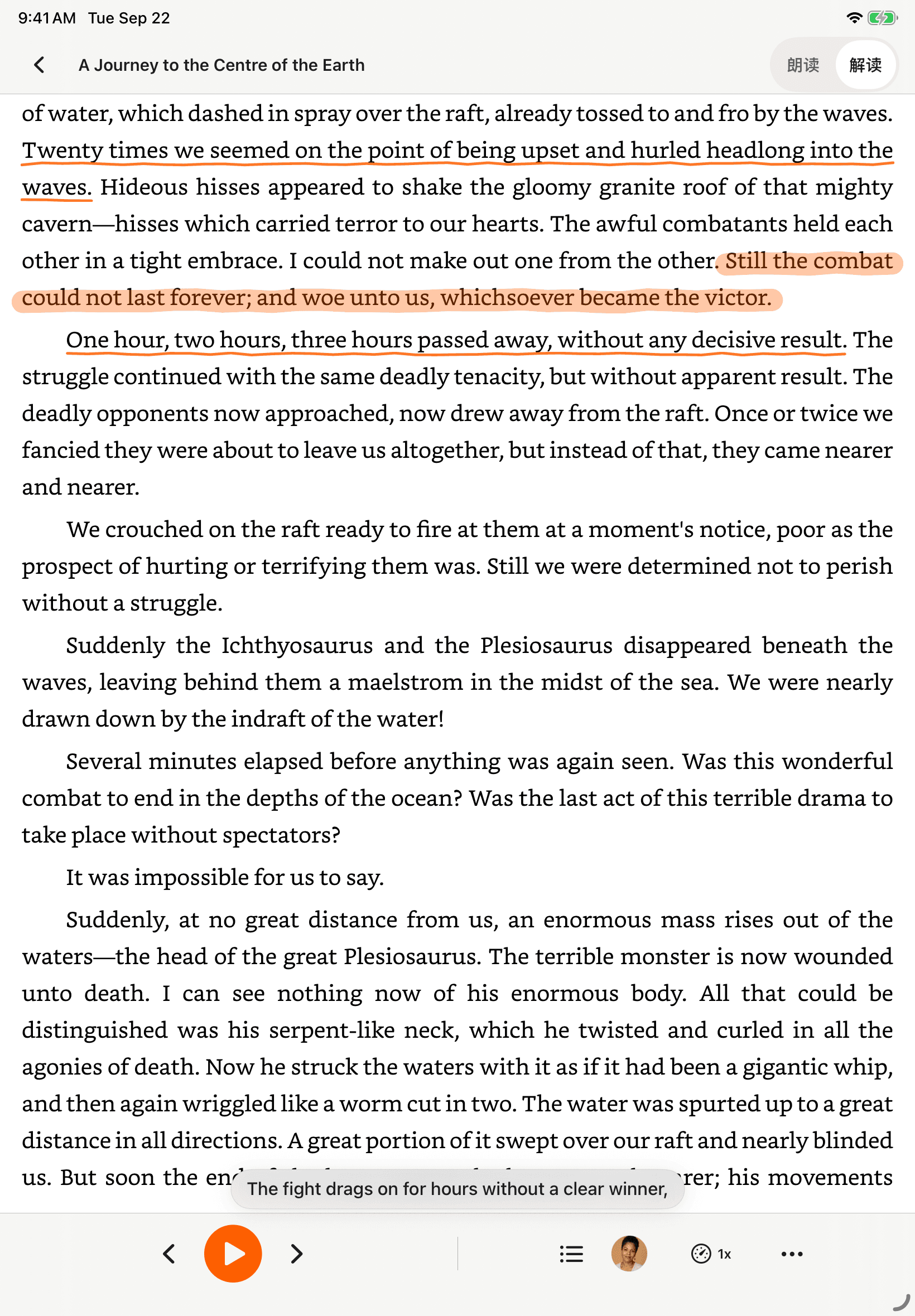
CastReader 已适配并上线 iPad 和安卓平板,大屏布局让原文、朗读与解读更清楚。


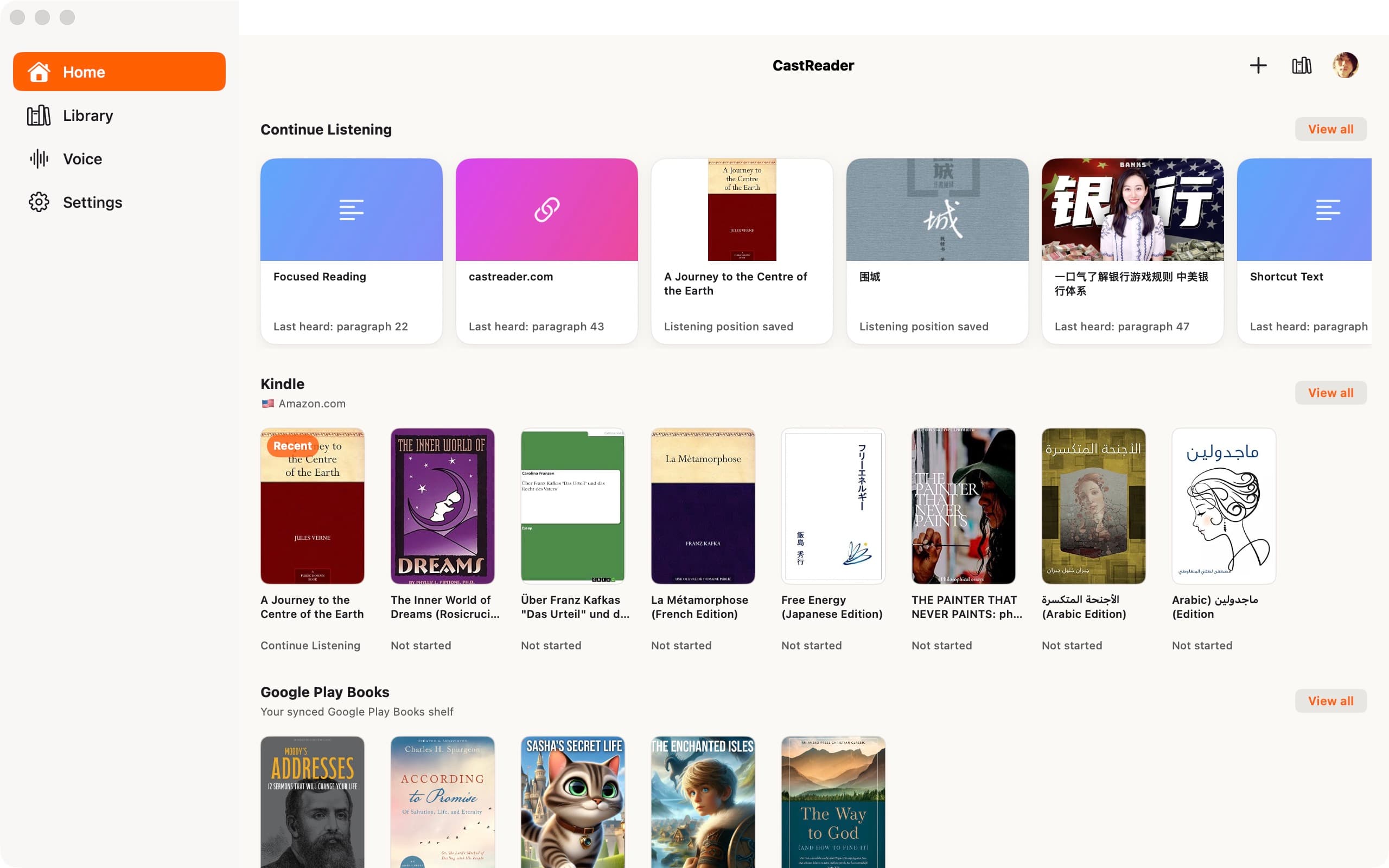
Mac 首页截图展示为英文界面。
为什么 TTS 在 2026 年值得做
调查与研究数据,附来源和日期
effect size 0.35
22 篇研究的 meta 分析显示 TTS 对阅读障碍学生的理解力提升幅度(Wood, Moxley, Tighe & Wagner, Journal of Learning Disabilities, 2018)
Source →读者怎么说 —— 包括给我们打低分的评论
以下选自 2026 年 Chrome Web Store 评论,保留原始日期。评论发布后,功能和免费额度可能已经变化;当前条款请查看商店介绍和价格页。
“Works perfectly on vivaldi. One suggestion though. I wish it had a play button appear next to a paragraph when we hover over it. Just like in the case of speechify.”
“Extremely user friendly short keys. Placed forward backward and speed up down as Natural as it could be. Voices are great and smooth. I would recommend it over many hyped products.”
“At the very least it's better than many paid TTS models. Still not as good as ElevenReader or LAP, but maybe the best free model for TTS.”
“So glad I can finally switch voices! The default was fine but I found one I actually enjoy listening to for hours. Small thing, huge difference.”
“Best one i found, user friendly, and great voice over.”
“ChatGPT's long answers are finally listenable. Let it generate while I listen — doubles my productivity. Love the inline button next to each response.”
“I tried using this add-on to listen to an ebook on the O'Reilly learning platform, and it works smoothly. However, it always restarts from the first paragraph whenever I scroll or select a different paragraph. Please consider adding a bookmark or checkpoint feature so users can mark where the reading should begin.”
“Need to highlight text and select it.”
“Hard to select text.”
获取阅读支持
CastReader 可朗读支持的网页、PDF 和无 DRM 的 EPUB。Kindle 兼容性取决于书籍版本和页面呈现方式。遇到阅读问题时,请向支持团队说明网页或文件类型、设备和浏览器,无需发送密码或私人书籍文件。
CastReader 团队
最近审阅: · CastReader 团队 — 已核对评价背景与产品表述,保留评论原始日期
下载 CastReader
在你喜欢的屏幕上,继续阅读。
浏览器扩展
在支持的网页中,直接听文章、Kindle 书籍和 AI 回答。
在 Safari 开始第一次朗读手机与平板 App
iPhone、iPad、Android 手机与平板
了解手机与平板 App电脑应用
CastReader Mac 版已上架 App Store,支持 macOS 14.6 及以上系统。Safari 浏览器扩展有独立的下载入口。 CastReader Windows 版已上架 Microsoft Store。
CastReader for Mac
Mac App Store现已上线 · macOS 14.6+
CastReader for Windows
Microsoft Store现已上线
在线朗读
粘贴文字即可在浏览器里听读,无需安装。
开始在线朗读