“This is 1 of the best TTS and its smooth. If this is truly free i'll keep this 100%. Every other TTS says its free but has a secret. They interrupt or they just say better ai voices pay. But i like this voice. I've tried loads and this is 1 of the best ones that actually says free.”

Listen to Substack Newsletters
Turn any Substack article into natural-sounding audio. Just open the newsletter in Chrome, click CastReader, and listen.
想让 Substack 朗读,在浏览器里打开任意 newsletter,点击免费的 CastReader 扩展即可——它用自然语音读完整篇,并高亮当前段落。Substack 只在手机 app 里提供音频,桌面端要靠浏览器扩展来听。免费起步,无需注册。
Why Listen to Substack with CastReader?
The easiest way to consume newsletters hands-free
Instant Audio from Any Newsletter
Open any Substack post in Chrome or Edge, click the CastReader icon, and it starts reading aloud instantly. No copy-paste, no setup.
AI Voices That Sound Human
Powered by the Kokoro AI model, CastReader's voices sound natural and expressive — not robotic. Choose from voices in 9 supported languages.
Paragraph Highlighting
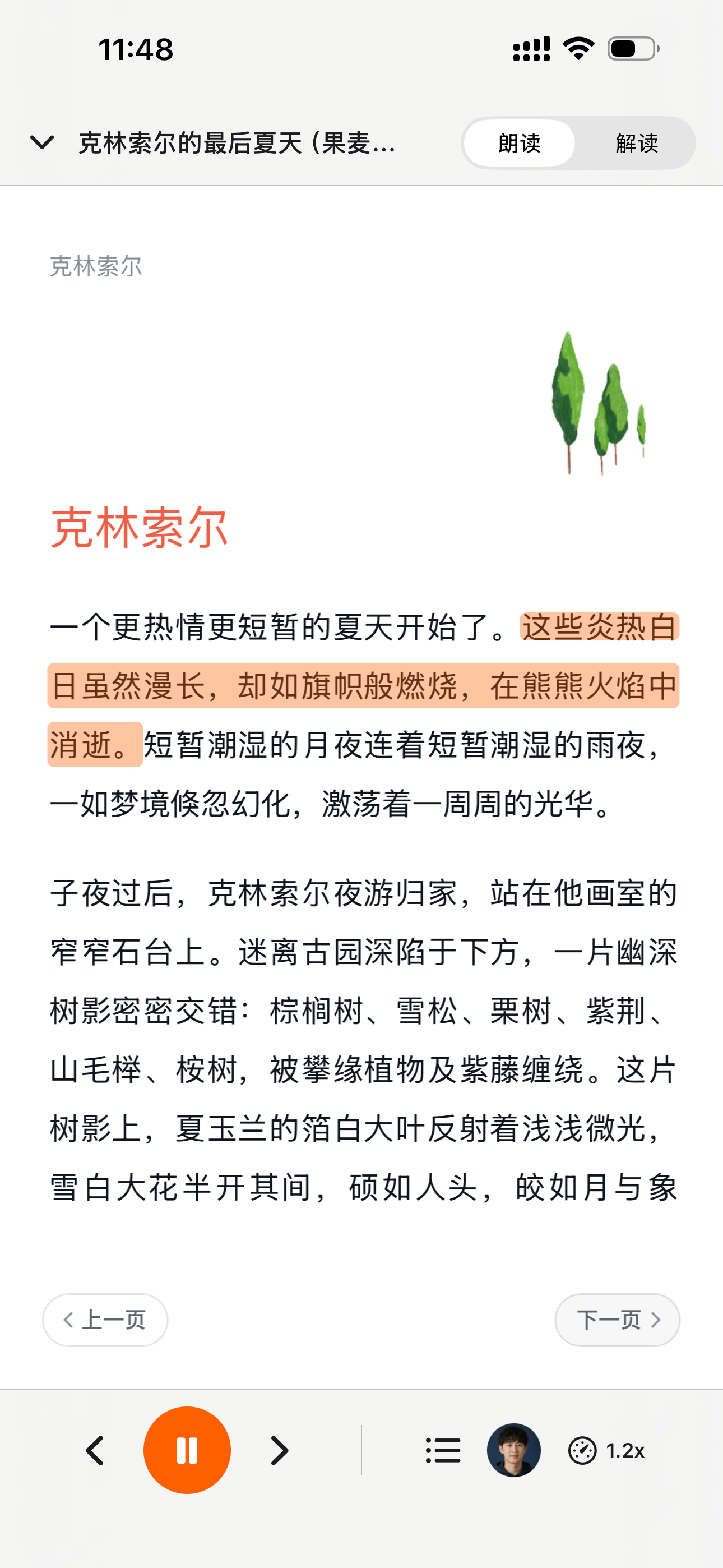
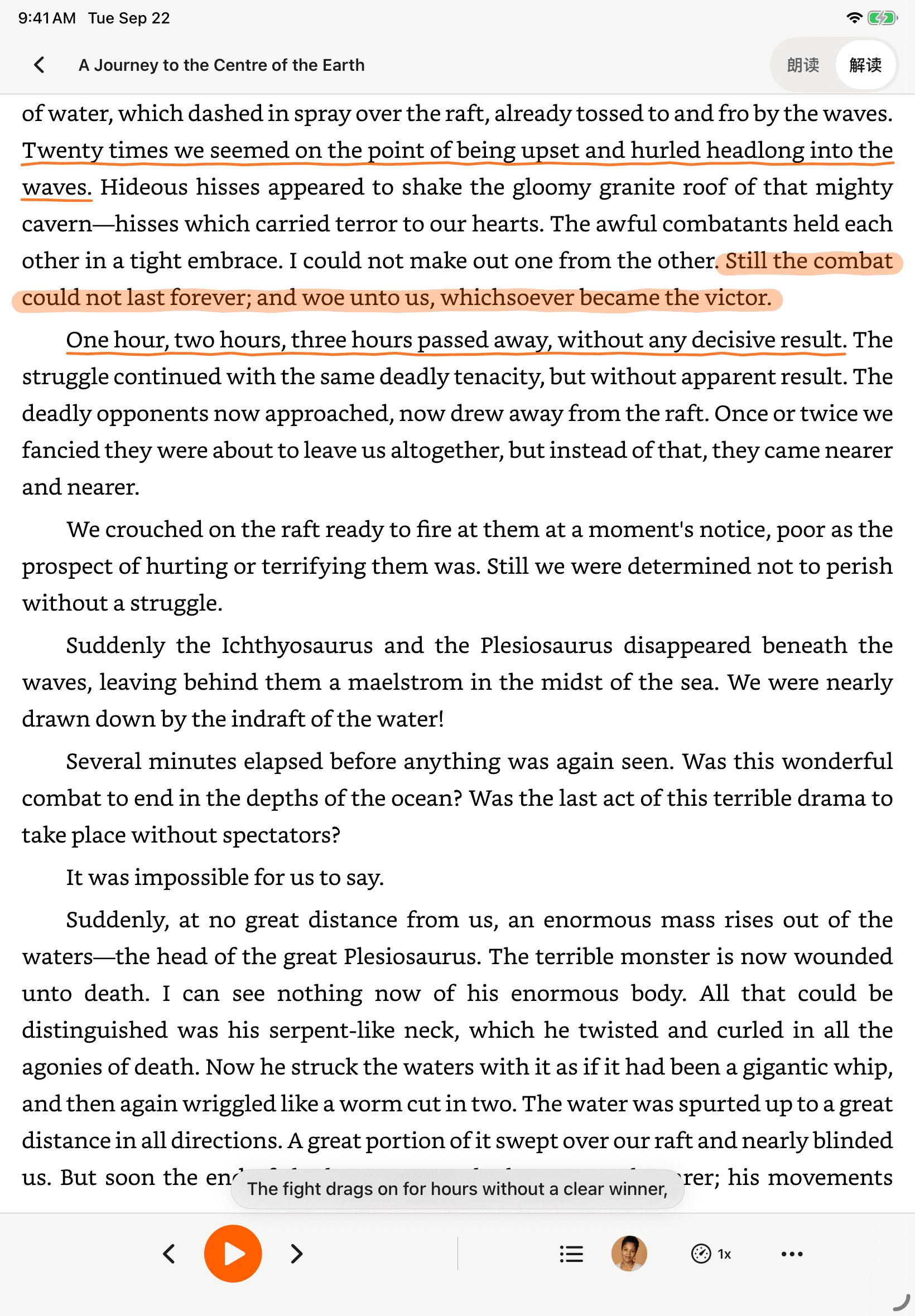
CastReader highlights the current paragraph as it reads, so you can follow along visually or jump to any section with a click.
No Account Needed
Free to use — no signup, no hidden fees. Just install and start listening. Upgrade to CastReader Pro for premium voices, more listening hours, and AI document analysis.
按文章的不同部分,分别会发生什么
一个 Substack 文章页面 = 正文 + 一大堆不是正文的东西。
| 你在读什么 | 页面朗读会怎么处理 | 听起来不对时怎么办 |
|---|---|---|
| 网页版的文章正文 | 读文章正文 | 无需处理 |
| 你只有部分访问权限的文章 | 只读页面实际展示给你的部分 | 想看全文请订阅;不存在任何绕过 |
| 段落之间的订阅框和分享按钮 | 属于页面装饰,可能被按顺序读到 | 改为选中正文文字 |
| 脚注 | 与引用它的段落是分开的 | 读到标记处时单独读那条脚注 |
| 内嵌的音频或视频 | 是播放器,不是文字 | 这部分请用该刊物自己的播放器 |
| 评论区 | 位于正文下方 | 选中你想听的评论 |
Frequently Asked Questions
Everything you need to know about listening to content with CastReader
How do I listen to a Substack newsletter?
Install CastReader from the Chrome Web Store, open any Substack article in your browser, and click the CastReader icon. It will start reading the article aloud with natural AI voices.
Does this work with paid Substack articles?
Yes. As long as you can see the article in your browser (i.e., you're a paid subscriber and logged in), CastReader can read it aloud.
Is CastReader free?
Yes, free to use with no account needed. Upgrade to CastReader Pro for premium voices, more listening hours, and AI document analysis.
Can I adjust the reading speed?
Yes. The floating player lets you speed up or slow down playback to match your preference.
Does it highlight the text as it reads?
Yes. CastReader highlights the current paragraph and auto-scrolls so you always know where you are in the article.
What languages are supported?
CastReader supports 9 languages with natural AI voices, so it works with Substack newsletters in virtually any language.
Does it work on the Substack app?
CastReader is a browser extension for Chrome and Edge. Open your Substack newsletters in the browser instead of the app to use it.
Is my data private?
CastReader reads the text on the page you're viewing and sends it to our AI voice API — that's it. We don't store your browsing history or any personal data.
我们的数据怎么说
- 新闻和长文站点属于收听的长尾,而不是主流 —— 书籍和小说占主导。
- 但真正开始的会话都听得很久:平均会话听完了 71.7%,播放约 59 个段落。
来自我们自己的朗读报告 —— 41,396 次匿名收听会话、3,075 台设备,2026 年 4 月 8 日至 6 月 22 日。这是 CastReader 用户的行为样本,不是全体读者的普查。
阅读完整报告为什么 TTS 在 2026 年值得做
硬数据 —— 不是 vibe —— 来自权威来源
effect size 0.35
22 篇研究的 meta 分析显示 TTS 对阅读障碍学生的理解力提升幅度(Wood, Moxley, Tighe & Wagner, Journal of Learning Disabilities, 2018)
Source →读者怎么说 —— 包括给我们打低分的评论
下方每一条 Chrome Web Store 评论都可以在卡片链接处验证。我们不藏负面反馈 —— 我们 24 小时内回复。
“Works perfectly on vivaldi. One suggestion though. I wish it had a play button appear next to a paragraph when we hover over it. Just like in the case of speechify.”
“Extremely user friendly short keys. Placed forward backward and speed up down as Natural as it could be. Voices are great and smooth. I would recommend it over many hyped products.”
“At the very least it's better than many paid TTS models. Still not as good as ElevenReader or LAP, but maybe the best free model for TTS.”
“So glad I can finally switch voices! The default was fine but I found one I actually enjoy listening to for hours. Small thing, huge difference.”
“Best one i found, user friendly, and great voice over.”
“ChatGPT's long answers are finally listenable. Let it generate while I listen — doubles my productivity. Love the inline button next to each response.”
“I tried using this add-on to listen to an ebook on the O'Reilly learning platform, and it works smoothly. However, it always restarts from the first paragraph whenever I scroll or select a different paragraph. Please consider adding a bookmark or checkpoint feature so users can mark where the reading should begin.”
↪ Founder reply
CastReader 创始人 Yan Xu 48 小时内回复:承认问题,下个版本上线了 bookmark 功能。这条评论的反馈直接推动了 v1.2 路线图。
“Need to highlight text and select it.”
“Hard to select text.”
↪ Founder reply
CastReader 创始人 Yan Xu 24 小时内回复:道歉、询问发生的网站/浏览器、提供键盘快捷键作为绕过方案、留下 support@castreader.com 直接支持邮箱。
近期更新
我们持续测试、改写、上线。每条更新都带真实日期。
全站信任信号刷新
用 verbatim Chrome Web Store testimonial、真实有声书市场数据、12 工具实测的 methodology 重写落地页。每条主张都有来源链接。
原生手机听读
CastReader 已提供原生 iPhone 和 Android App;Android 版可直接从 Google Play 下载。
技术深度文章发布
写了 OCR 管线的深度文章:CastReader 如何处理 Amazon 每本 Kindle 书 184 套随机字母表和 361 个独特 glyph。发表在 dev.to。
新增手机端 Kindle Read Aloud 页面
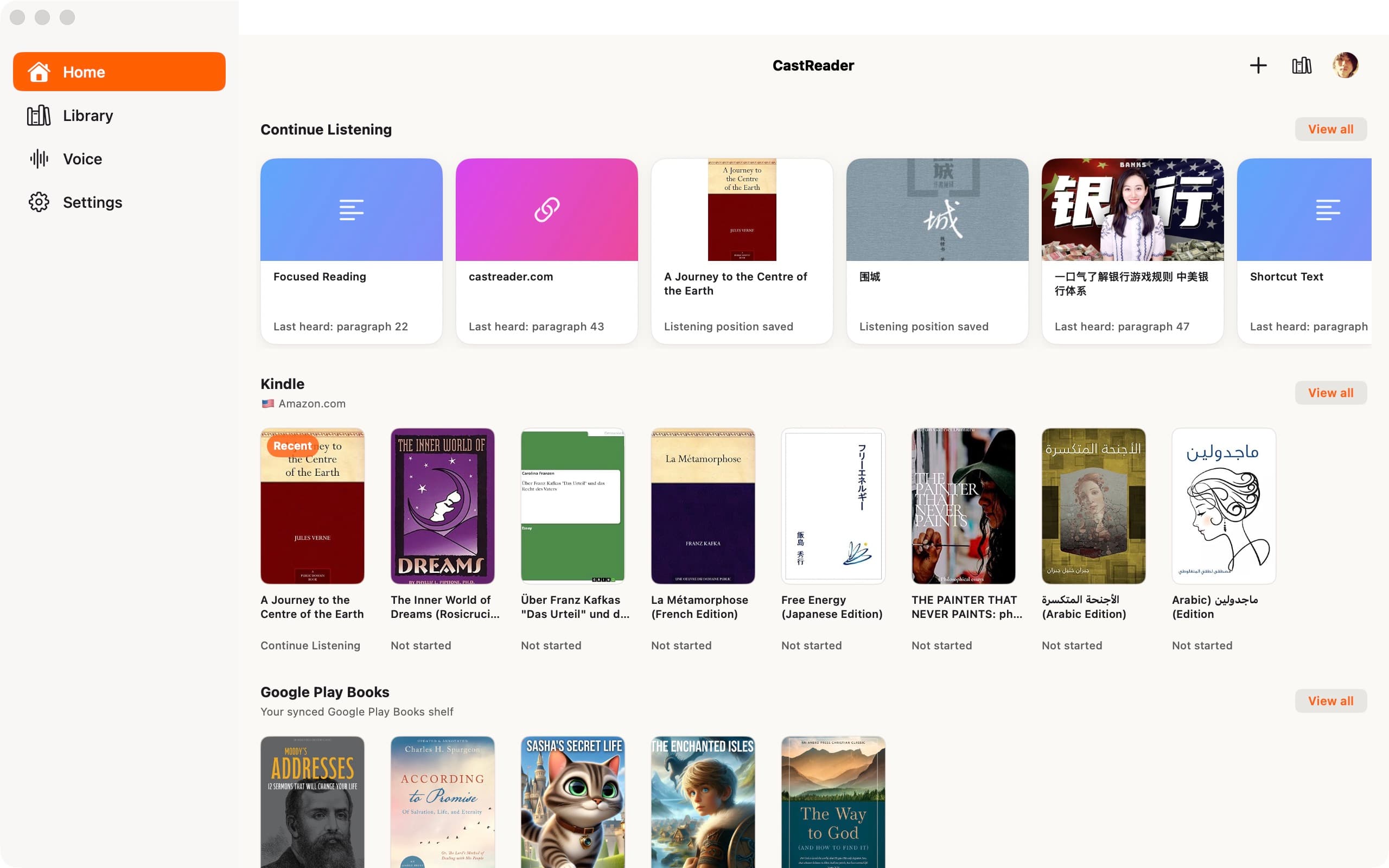
手机 App 的书架同步、Read Aloud、同步高亮、自动滚动、后台播放和进度续听,已经拆到独立落地页。
登上 Product Hunt
Daily 榜 #10,99 upvotes,4 条社区评论推动了 v1.2 路线图。
语音质量升级 —— Kokoro AI
从旧 TTS 引擎切换到 Kokoro 神经网络语音。用户评论从 'usable but robotic' 转为 'enjoy listening for hours'(来自 patrick chiang 的 Chrome Web Store 评论原话)。
提取可靠性首轮提升
英文 Kindle 书的 OCR 成功率从 78% 提升到 89%。加入了多栏页面检测(学术 PDF 适用)。
为什么有这个产品
我做 CastReader 是因为我有几百本 Kindle 书,想在晨跑时听它们,但不想为每本再买 Audible 版。技术问题 —— Amazon Cloud Reader 的字体加密 —— 最后用 OCR 解决了。产品问题 —— 让它在手机、桌面、9 种语言上真正好用 —— 花了两年迭代。我们是个小团队。我亲自回复每一条 Chrome Web Store 评论(上方 testimonials 里有证明 —— 包括 3 星和 1 星的)。如果有什么坏了或缺失,邮件 support@castreader.com。
—— Yan Xu, 创始人
最近审阅: · CastReader 团队 —— 基于 2025 测试数据
立即开始收听
免费可用。无需注册。安装即可开始收听。
Browser extensions
Mobile apps
Official App Store and Google Play downloads · Chrome, Edge, and Firefox extensions