Text to Speech, Online and Free

Listen anywhere — browser, phone, or desktop.

CastReader works on every device. Pick yours and start listening in 30 seconds.

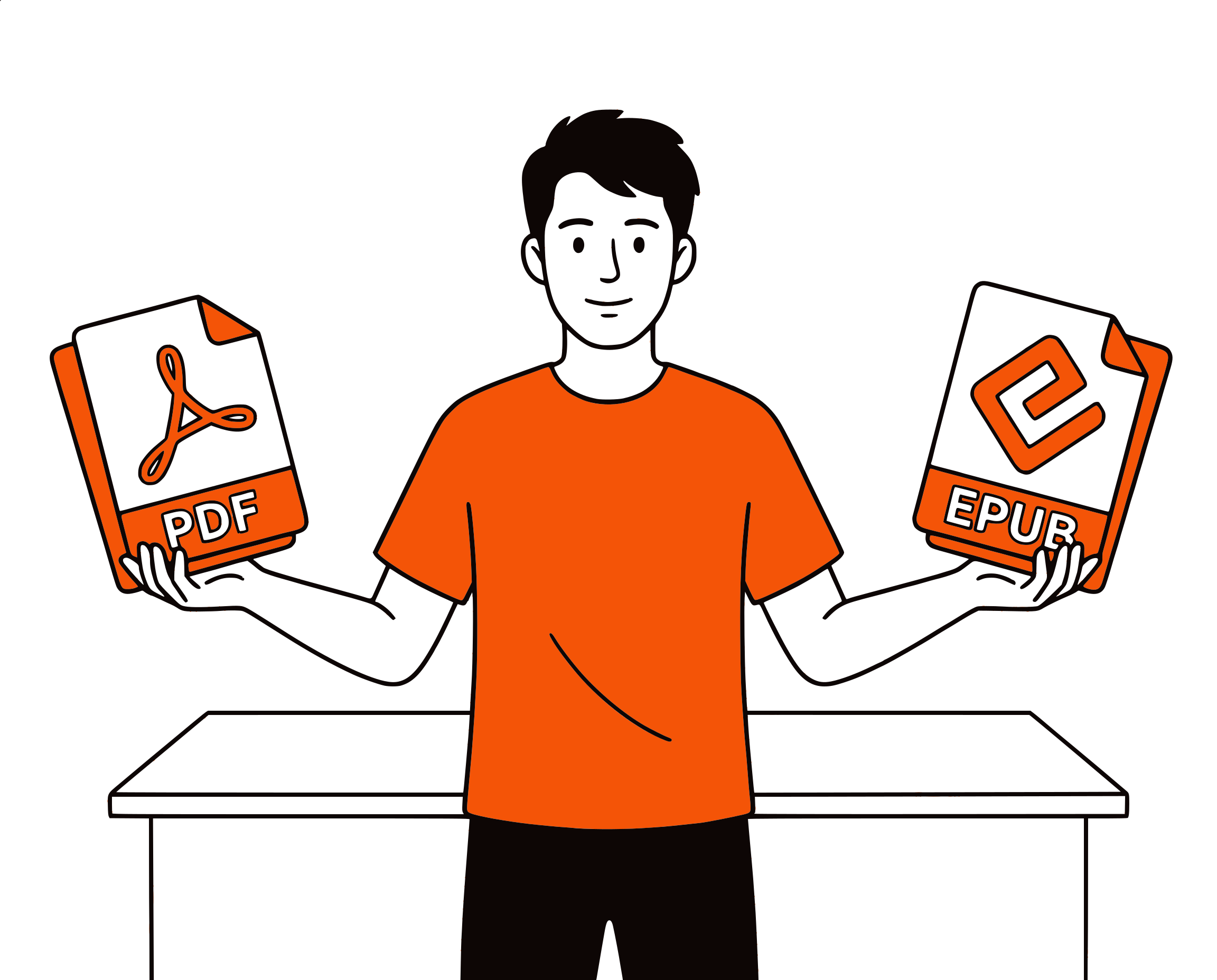
Any website· Kindle / WeChat / Notion· PDF / EPUB / DOCX· 40+ languages

★★★★★ 4.7 · Free to start · No login · Optional Pro

What Makes This Online Text to Speech Worth Using

Voices people actually want to listen to, plus the controls that turn a gimmick into a daily tool.

Natural Voices

Not the Robot You Remember

Online TTS used to mean a flat, mechanical monotone that you could only stand for a sentence or two. CastReader uses a neural voice model that handles rhythm, pauses, and emphasis, so a paragraph sounds like someone reading rather than a machine spelling. It holds up over a full article, not just a demo line.

Natural-sounding online text to speech voices
Paste text and play online TTS instantly

Paste and Play

From Clipboard to Audio in One Click

There's no project to set up and no file to manage. Paste text, choose a voice, press Speak It, and it plays. Adjust the speed from 0.5x for careful study to 2x for skimming. When you like the result, download it as an MP3 and take it with you.

40+ Languages

It Speaks More Than English

Switch the language and CastReader picks a native-sounding voice to match. Paste Spanish, French, Japanese, German, Arabic, and dozens more. It's a favorite trick for language learners: paste the sentence you're studying and hear how it should actually sound.

Multilingual online text to speech
Online text to speech with nothing to install

Works Anywhere

Browser-Only, No Install

This is a web page, not an app. It runs on a school Chromebook, a managed work laptop, a tablet, or a phone — anywhere you can open a browser. Nothing to download, nothing to sign up for, nothing left behind on the machine when you close the tab.

Online Text to Speech, Done Properly

Text to speech online is one of those tools that sounds simple and is usually disappointing. You search for it, land on a site, paste your text, and get a voice that sounds like a 2010 GPS unit reading a phone book. Then a watermark, a character limit, or a paywall shows up. The result is that a lot of people have written off online TTS entirely, assuming it can't sound natural without an app and a subscription. That assumption is out of date — the voice models have caught up, and a good one runs perfectly well in a browser tab.

CastReader's online reader uses Kokoro, an open neural voice model that produces speech smooth enough to listen to for a long stretch. It doesn't flatten every sentence into the same pitch and pace; it follows the rhythm of the text, pauses at the right places, and lands emphasis where a human would. You paste your text, pick a voice, and it speaks — no account, no install, and no twenty-second teaser before the upsell. If you want to slow it down to study a passage or speed it up to get through something quickly, the speed control runs from 0.5x to 2x.

The same box handles more than a single paragraph. Paste an article you saved, an email you need to proof by ear, your own writing that you want to hear out loud before sending, or a passage in a language you're learning. Switch languages and the voice switches with you — over forty are supported, each with a native-sounding speaker. When you're happy with the audio, download it as an MP3 and listen on your phone, in the car, or on any player that isn't a browser.

People reach for online text to speech for reasons that have nothing in common on the surface but share one root: reading on a screen has limits. Students listen to their notes to revise without eye strain. Writers catch clumsy sentences by hearing them read back. People with dyslexia or low vision get a clean spoken version of text that's hard to read visually. Busy people turn a long message into something they can absorb while their hands are doing something else. Language learners check pronunciation instantly. Listening simply reaches places that reading can't.

On price, the online TTS market is full of soft paywalls. Several popular tools cap free use at a few hundred characters or stamp a watermark on the audio, then charge a yearly subscription to remove the limits. CastReader is free to use with no signup to get started. If you want premium voices, more listening hours, and AI document analysis, CastReader Pro is there as an optional upgrade — but the core online reader works for everyday text without any of that.

If you find yourself listening to web pages often — articles, documentation, newsletters, long threads — the free CastReader Chrome extension turns any page into speech in one click, without copying and pasting into a box at all. It reads the page in place, highlights each line as it goes, and remembers where you stopped. The online tool on this page is perfect for one-off text and files; the extension is what you want once listening becomes a habit.
Online Text to Speech — FAQ

Common questions about reading text aloud online

Is this online text to speech free?+

Yes. Paste text, pick a voice, and listen — no account needed to get started and nothing to install. The free tier covers everyday use. CastReader Pro is an optional upgrade for premium voices, more listening hours, and AI document analysis. Unlike many online TTS sites, there's no watermark on the audio and no tiny character cap before a paywall.

Do the voices actually sound natural?+

Yes. CastReader uses a neural voice model (Kokoro) that handles rhythm, pauses, and emphasis rather than reading in a flat monotone. It's designed to be comfortable to listen to over a full article, not just a one-line demo.

Can I download the audio as an MP3?+

Yes. After the audio is generated, play it in the browser or download it as an MP3 file to listen offline on your phone, in the car, or in any audio player.

How many languages does it support?+

Over 40. Switch the language and CastReader selects a native-sounding voice to match. Paste Spanish, French, Japanese, German, Arabic, and many more. Language learners often paste a sentence they're studying to hear correct pronunciation.

Is there a character limit?+

The paste box handles everyday passages comfortably. For long documents, use the Upload tab to add a file (PDF, EPUB, DOCX, TXT, MD, HTML) and it processes the whole thing rather than asking you to paste it in chunks.

Can I adjust the reading speed?+

Yes. The speed control runs from 0.5x for careful, word-by-word study up to 2x for fast skimming, and everything in between.

Do I need to install anything?+

No. This is a web page, so it works on any device with a browser, including Chromebooks and locked-down school or work computers. If you want one-click reading of any web page, the free CastReader Chrome extension adds that on top.

Is my text private?+

Yes. Your text is processed only to generate audio and the result is available only to you. We don't sell your text or use it for training, and with no required account there's no profile tracking what you read.

A voice mispronouncing something? Tell our debug team

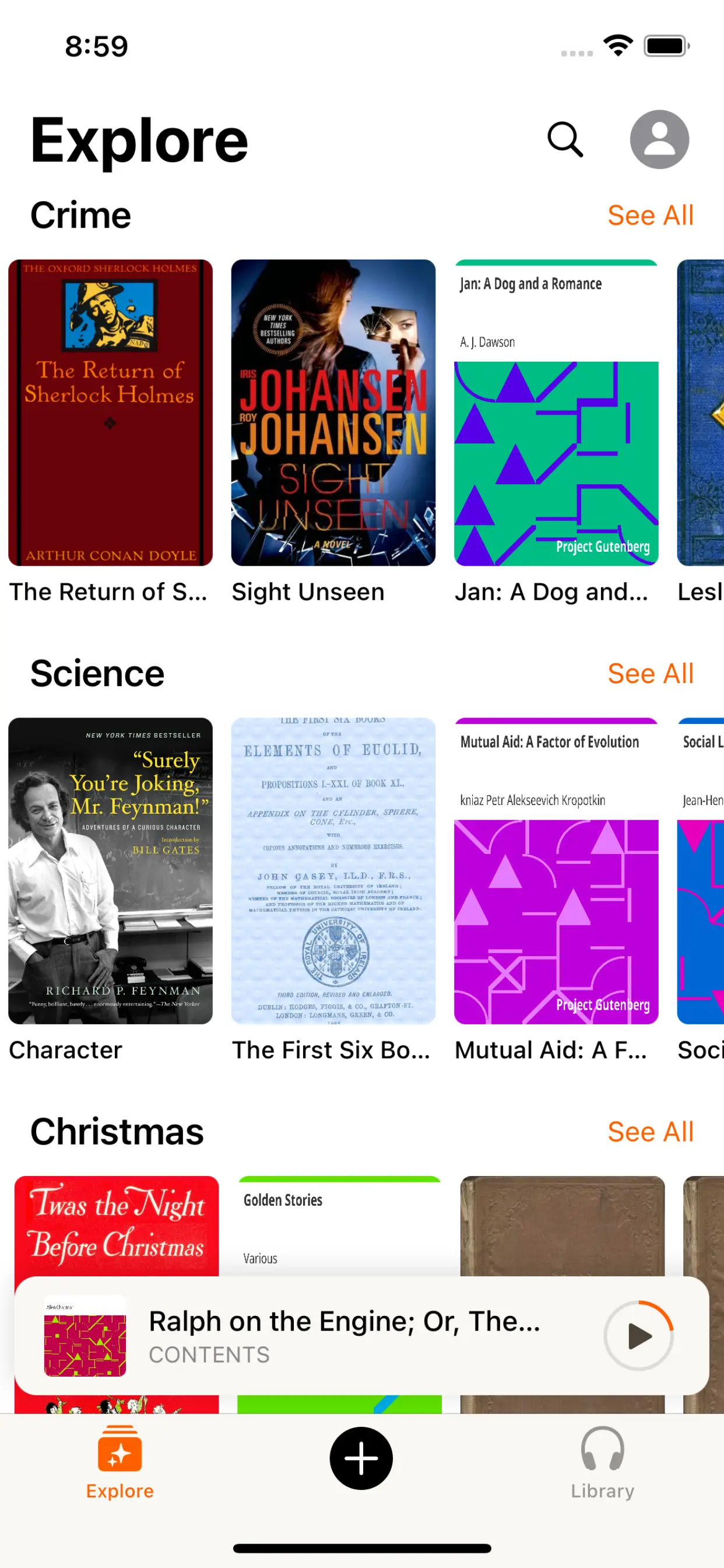
在手机上收听

下载 CastReader App,随时随地收听上传的文档。

浏览书籍
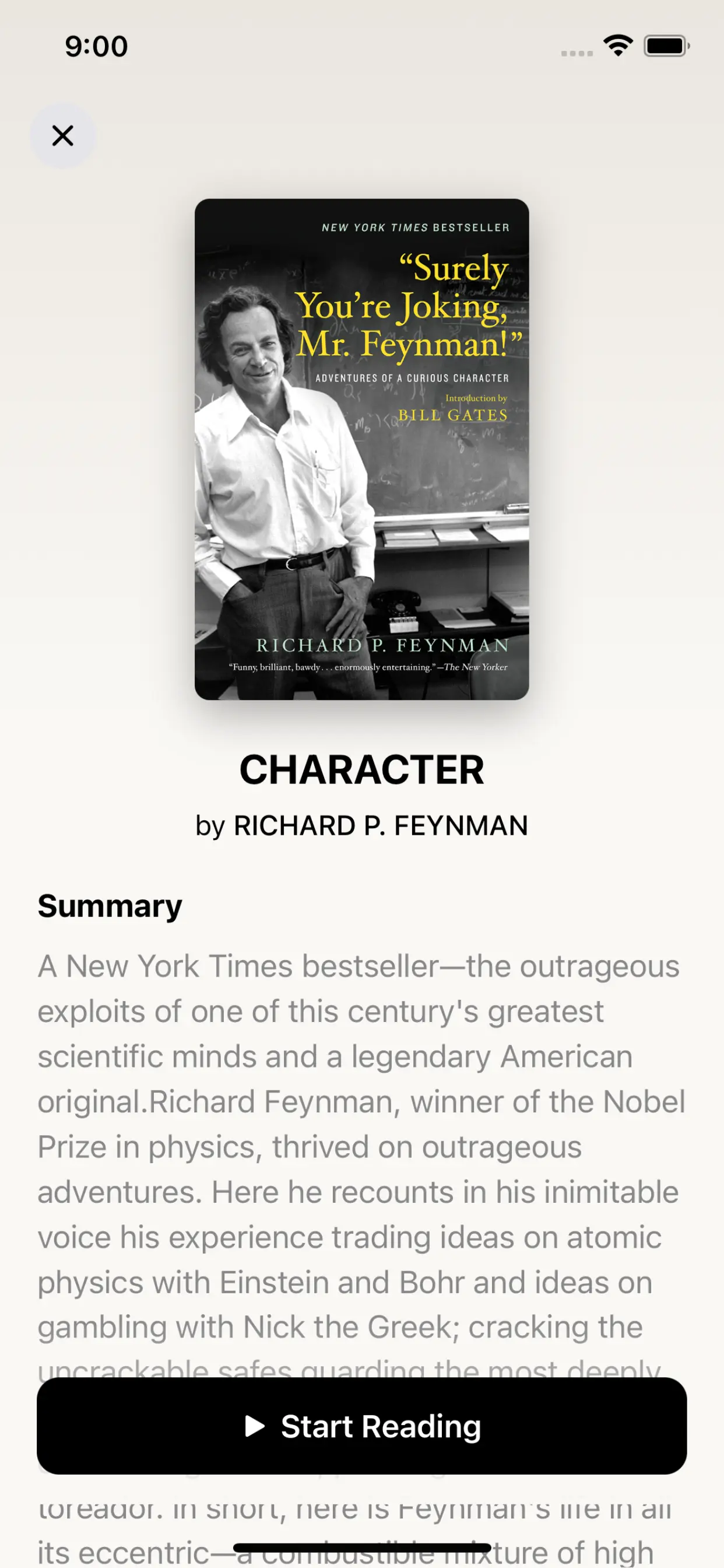
书籍详情
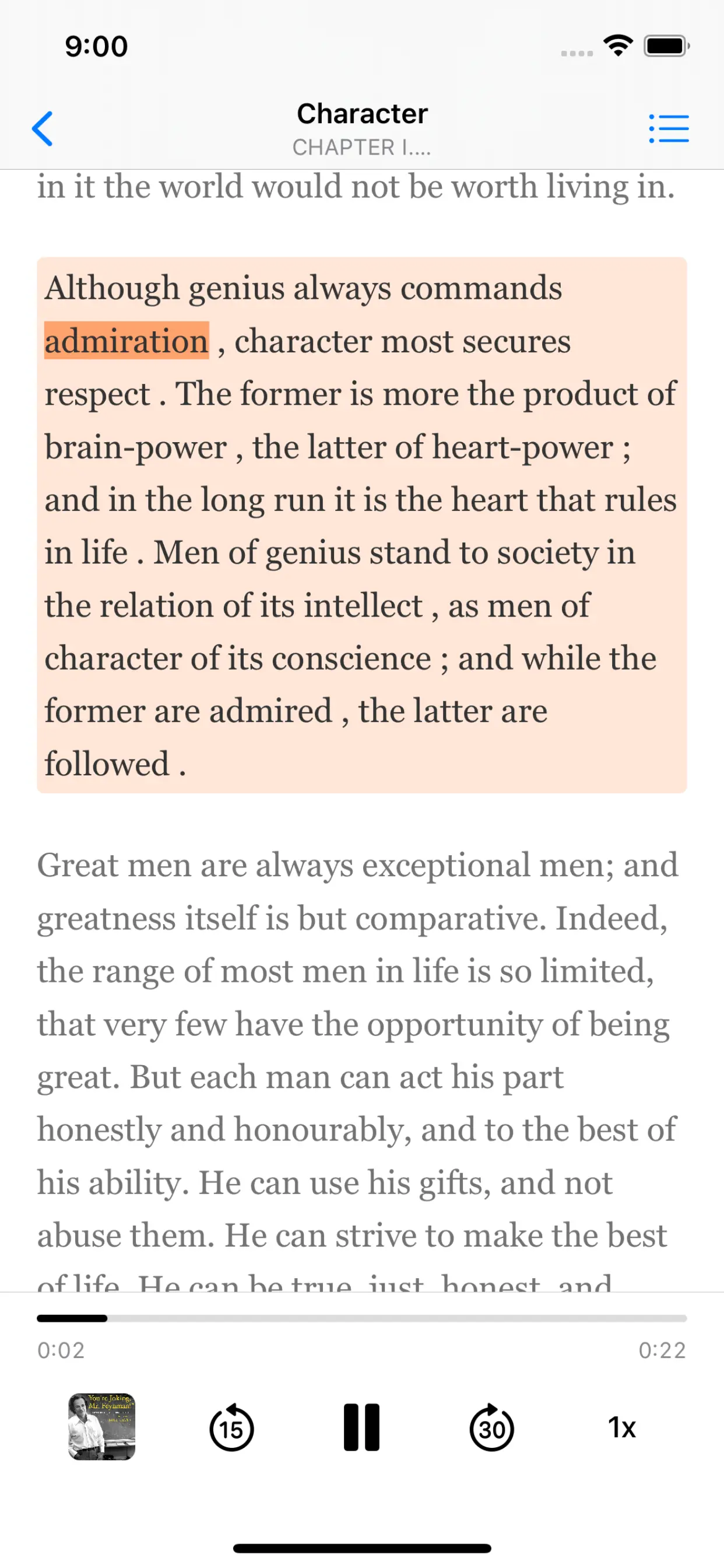
阅读体验

为什么 TTS 在 2026 年值得做

硬数据 —— 不是 vibe —— 来自权威来源

$2.22 billion

2024 年美国有声书销售额,同比增长 13%(Publishers Weekly / Audio Publishers Association)

Source →

51%

美国成年人 2025 年听过有声书 —— 约 1.34 亿人(APA Consumer Survey 2025)

Source →

2.2 billion

全球近视或远视有损伤的人口(WHO Fact Sheet, 2024)。TTS 是他们访问电子内容的主要路径。

Source →

78%

有声书听众在听书时同时做别的事 —— 通勤、家务、运动(Audiolibrix Great Audiobook Survey 2024)

Source →

27.2 分钟

美国 2024 年单程平均通勤时长(US Census ACS via Statista)。每天近 1 小时只能用耳朵的时间。

Source →

effect size 0.35

22 篇研究的 meta 分析显示 TTS 对阅读障碍学生的理解力提升幅度(Wood, Moxley, Tighe & Wagner, Journal of Learning Disabilities, 2018)

Source →

1,550 万

CDC 2024 数据:美国成年人 ADHD 患者 —— 约半数在成年后才确诊(CDC MMWR, 2024-10)

Source →

读者怎么说 —— 包括给我们打低分的评论

下方每一条 Chrome Web Store 评论都可以在卡片链接处验证。我们不藏负面反馈 —— 我们 24 小时内回复。

★★★★★
This is 1 of the best TTS and its smooth. If this is truly free i'll keep this 100%. Every other TTS says its free but has a secret. They interrupt or they just say better ai voices pay. But i like this voice. I've tried loads and this is 1 of the best ones that actually says free.
Jordan · Chrome Web Store
★★★★★
Works perfectly on vivaldi. One suggestion though. I wish it had a play button appear next to a paragraph when we hover over it. Just like in the case of speechify.
Loic COBBINA · Chrome Web Store
★★★★★
Extremely user friendly short keys. Placed forward backward and speed up down as Natural as it could be. Voices are great and smooth. I would recommend it over many hyped products.
grann tosif · Chrome Web Store
★★★★★
At the very least it's better than many paid TTS models. Still not as good as ElevenReader or LAP, but maybe the best free model for TTS.
eclpse_ · Chrome Web Store
★★★★★
So glad I can finally switch voices! The default was fine but I found one I actually enjoy listening to for hours. Small thing, huge difference.
patrick chiang · Chrome Web Store
★★★★★
Best one i found, user friendly, and great voice over.
Mohab A · Chrome Web Store
★★★★★
ChatGPT's long answers are finally listenable. Let it generate while I listen — doubles my productivity. Love the inline button next to each response.
young D · Chrome Web Store
★★★★★
I tried using this add-on to listen to an ebook on the O'Reilly learning platform, and it works smoothly. However, it always restarts from the first paragraph whenever I scroll or select a different paragraph. Please consider adding a bookmark or checkpoint feature so users can mark where the reading should begin.

↪ Founder reply

CastReader 创始人 Yan Xu 48 小时内回复:承认问题,下个版本上线了 bookmark 功能。这条评论的反馈直接推动了 v1.2 路线图。

Hedi · Chrome Web Store
★★★★
Need to highlight text and select it.
Vivian Le · Chrome Web Store
★★★★
Hard to select text.

↪ Founder reply

CastReader 创始人 Yan Xu 24 小时内回复:道歉、询问发生的网站/浏览器、提供键盘快捷键作为绕过方案、留下 support@castreader.ai 直接支持邮箱。

David Smolinski · Chrome Web Store

去 Chrome Web Store 看全部 28 条评论

近期更新

我们持续测试、改写、上线。每条更新都带真实日期。

  1. 全站信任信号刷新

    用 verbatim Chrome Web Store testimonial、真实有声书市场数据、12 工具实测的 methodology 重写落地页。每条主张都有来源链接。

  2. 发送到手机可靠性提升

    Telegram 音频流现在能稳定自动翻页,覆盖 Kindle Cloud Reader 和 Apple Books。内部测试显示会话中断减少约 70%。

  3. 技术深度文章发布

    写了 OCR 管线的深度文章:CastReader 如何处理 Amazon 每本 Kindle 书 184 套随机字母表和 361 个独特 glyph。发表在 dev.to。

  4. CastReader for Mac 发布

    原生 macOS 应用,朗读 Kindle for Mac,词级高亮。浮窗播放器 + 系统级快捷键。不需要浏览器。

  5. 登上 Product Hunt

    Daily 榜 #10,99 upvotes,4 条社区评论推动了 v1.2 路线图。

  6. 语音质量升级 —— Kokoro AI

    从旧 TTS 引擎切换到 Kokoro 神经网络语音。用户评论从 'usable but robotic' 转为 'enjoy listening for hours'(来自 patrick chiang 的 Chrome Web Store 评论原话)。

  7. 提取可靠性首轮提升

    英文 Kindle 书的 OCR 成功率从 78% 提升到 89%。加入了多栏页面检测(学术 PDF 适用)。

为什么有这个产品

我做 CastReader 是因为我有几百本 Kindle 书,想在晨跑时听它们,但不想为每本再买 Audible 版。技术问题 —— Amazon Cloud Reader 的字体加密 —— 最后用 OCR 解决了。产品问题 —— 让它在手机、桌面、40+ 语言上真正好用 —— 花了两年迭代。我们是个小团队。我亲自回复每一条 Chrome Web Store 评论(上方 testimonials 里有证明 —— 包括 3 星和 1 星的)。如果有什么坏了或缺失,邮件 support@castreader.ai。

—— Yan Xu, 创始人

最近审阅: · CastReader 团队 —— 基于 2025 测试数据

Listen to text on every device — browser, phone, or desktop.

Free CastReader works on Chrome / Edge / iOS / Android / Mac. Turn any text into natural speech online, no install required.

Any website· Kindle / WeChat / Notion· PDF / EPUB / DOCX· 40+ languages

★★★★★ 4.7 · Free to start · No login · Optional Pro

Text to Speech Online — Free Natural AI Voices, No Signup