“This is 1 of the best TTS and its smooth. If this is truly free i'll keep this 100%. Every other TTS says its free but has a secret. They interrupt or they just say better ai voices pay. But i like this voice. I've tried loads and this is 1 of the best ones that actually says free.”
No Captions on That YouTube Video
"Show transcript" is missing, or a transcript tool told you there is nothing to read. That almost always means the video has no caption track at all — not that it is hidden somewhere. Here is how to be sure in ten seconds, why YouTube sometimes never generates one, and what is genuinely left to try.
If a YouTube video has no captions, no caption-based transcript tool can read it, because the text comes from the caption track rather than from listening to the audio. Confirm it first: open the video, tap or click the title to expand the description, and look for "Show transcript". If that row is absent, there is no caption track. Common reasons are that the uploader disabled captions, the video is too new for automatic captions to have finished, the spoken language is not covered by YouTube's automatic captioning, or the audio was too noisy or overlapping for automatic captioning to produce anything. When captions truly do not exist, the only route to text is a speech-to-text transcription service that listens to the audio — a different kind of tool.
Why a Video Ends Up With No Captions
Four causes, and they call for different responses
The Uploader Disabled Them
Creators can switch automatic captions off for a video or for their whole channel. Nothing on the viewer side can override that — the track simply is not published. This is the most common cause on channels that treat captions as a branding decision.
Automatic Captions Have Not Finished
Automatic captions are generated after upload, not during it. On a long video, or right after a premiere ends, the track can lag the video by a while. If the upload is recent, coming back later genuinely does fix it.
The Spoken Language Is Not Covered
YouTube generates automatic captions for a limited set of languages. A video spoken in a language outside that set gets no automatic track, and unless the creator uploaded one by hand there is nothing to read.
The Audio Defeated the Recogniser
Heavy background music, several people talking over each other, poor microphones, or long stretches of non-speech can all leave automatic captioning with nothing usable. Sometimes a partial track appears; sometimes none at all.
Confirm It in Ten Seconds
- 1
Open the video
On a phone, tap the video title to expand the description panel. On desktop, look under the video for the "...more" description area.
- 2
Look for "Show transcript"
Scroll to the bottom of the expanded description. The row sits below the chapters and links, and it only appears when a caption track exists.
- 3
No row means no track
If it is absent, no transcript tool of any kind can produce text from that video's captions — they do not exist. Check the CC button too: if captions are off there as well, that confirms it.
What to Do When the Captions Really Are Missing
The first thing worth separating is "hidden" from "absent". A lot of advice about missing transcripts is really advice about a buried menu — on phones the transcript row lives at the bottom of the expanded description, far enough down that plenty of people conclude it does not exist. That is worth ruling out first, because it takes ten seconds and it is the common case.
Once you have confirmed the row is genuinely not there, the situation is simpler than it looks: the video has no caption track, and every transcript reader — this one included — works by reading that track. Nothing that reads captions can help, no matter what it claims. This is the honest boundary, and a tool that promises otherwise is either transcribing the audio itself or exaggerating.
Which points at the one thing that does still work: speech-to-text. A transcription service listens to the audio and produces text from scratch, so it does not care whether captions exist. That is a genuinely different category of product from a caption reader — usually slower, often paid, and with its own accuracy problems on the same difficult audio that defeated YouTube's recogniser in the first place. But when there is no caption track, it is the only route to text.
Two smaller moves are worth trying before you reach for that. If the upload is recent, wait: automatic captions are generated after publishing and can lag by hours on a long video. And if the video is one of several covering the same material — a conference talk that was also posted by the organiser, a lecture that exists in another upload — the other copy may well have captions when this one does not.
It is also worth knowing what the presence of captions does not guarantee. Automatic captions arrive with no punctuation and no speaker labels, which is fine for a single presenter and rough for a four-way panel. So "the transcript exists" and "the transcript is pleasant to read or listen to" are separate questions, and the second one depends heavily on whether a human wrote the captions or a recogniser did.
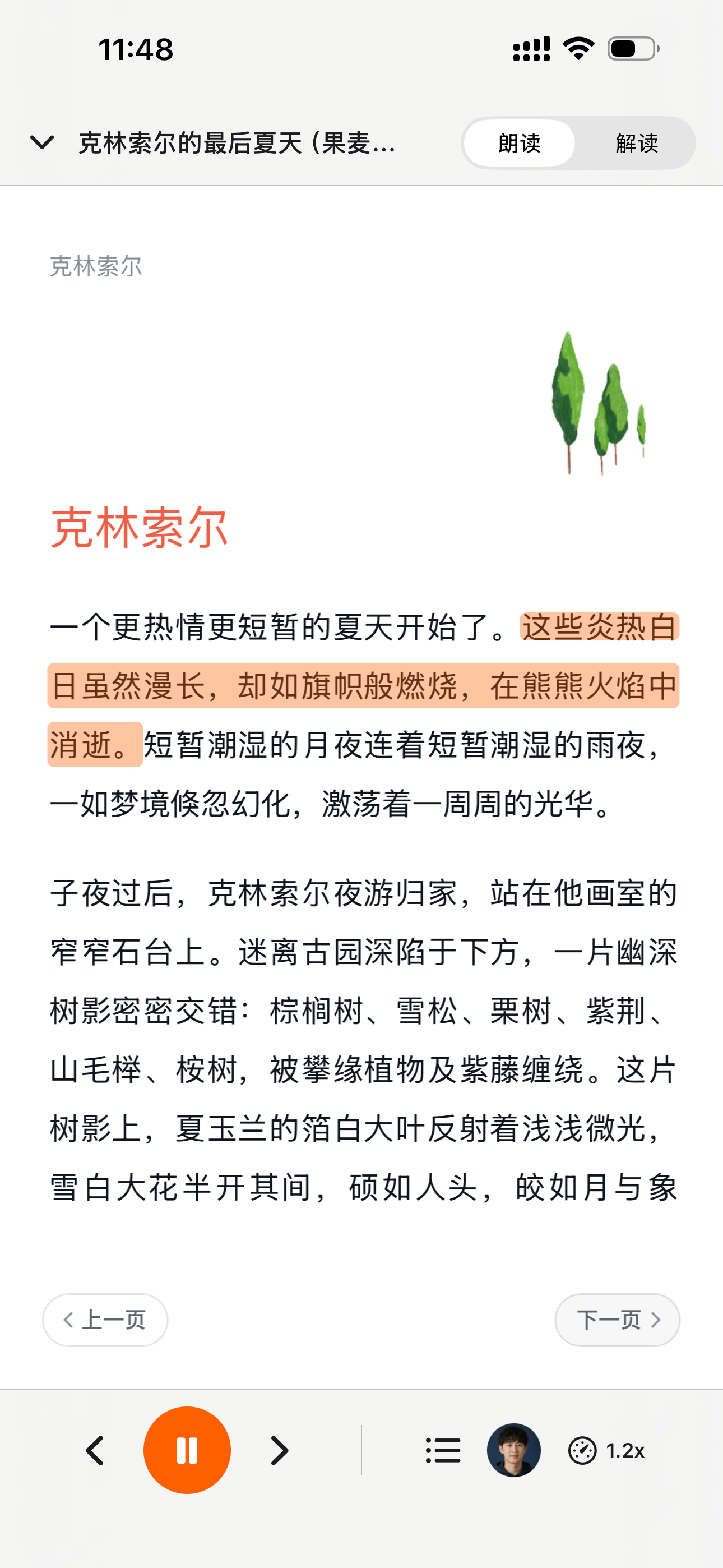
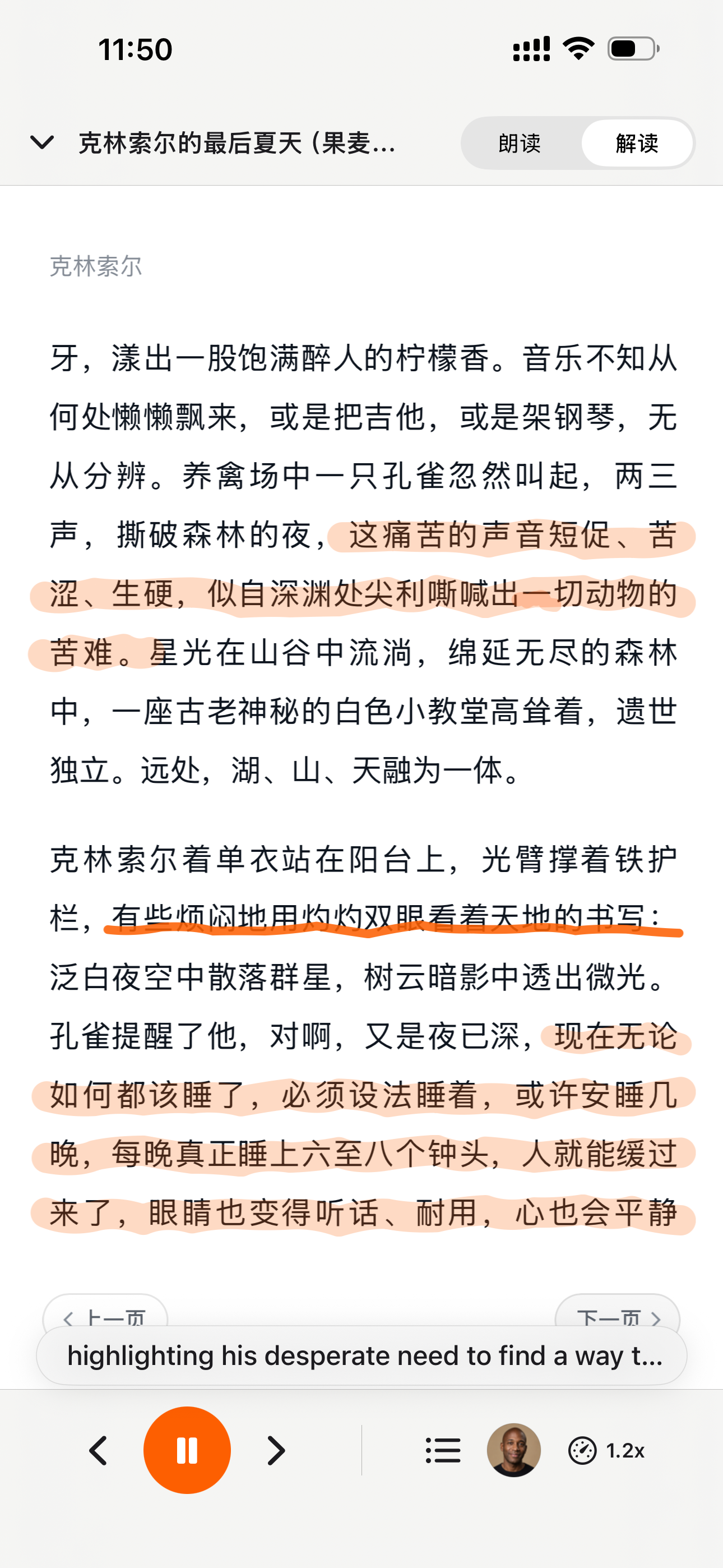
Where a caption track does exist, CastReader turns it into something you can actually work with: cues merged into paragraphs rather than a column of timestamps, text you can select and copy on a phone, read-aloud with the current line highlighted, and a tap back to the video at the exact moment you are hearing. That is the case this site is built for. When there is no track at all, we would rather tell you plainly than waste your time.
Frequently Asked Questions
Missing captions, and what can be done about them
Why is there no "Show transcript" on this video?
Because the video has no caption track. The row only appears when captions exist. On phones it sits at the bottom of the expanded description, so check there before concluding it is absent — that is the most common false alarm.
Can a transcript tool still read a video with no captions?
Not a caption-based one. Tools like CastReader read the caption track, so no track means no text. Only a speech-to-text service, which listens to the audio and transcribes it from scratch, can produce text in that case.
Why did YouTube not generate automatic captions?
Four usual reasons: the uploader disabled captions, the video is too recent and generation has not finished, the spoken language is outside YouTube's automatic captioning coverage, or the audio was too noisy, too musical, or too overlapping for the recogniser to produce anything usable.
The video was just uploaded — will captions appear later?
Often, yes. Automatic captions are produced after publishing rather than during upload, and a long video can lag by a while. If the upload is recent, waiting is a real fix rather than a brush-off.
Can I ask the creator to add captions?
You can, and on smaller channels it sometimes works. Creators control whether automatic captions are enabled and can upload their own track at any time.
Do live streams have transcripts?
Not while they are live — the caption track is still being written as the stream runs. Once the archive is published, it may gain captions, at which point a transcript reader can read it.
Are automatic captions good enough to listen to?
It depends on the video. They carry no punctuation and no speaker labels, so a single-speaker lecture usually still works while a fast multi-person discussion becomes one unbroken sentence. CastReader always prefers a human-written track when one exists.
What about videos that need sign-in?
Age-restricted, members-only, private and region-locked videos cannot be read even when captions exist, because the page itself is behind an access check. That is a separate limitation from missing captions.
为什么 TTS 在 2026 年值得做
硬数据 —— 不是 vibe —— 来自权威来源
effect size 0.35
22 篇研究的 meta 分析显示 TTS 对阅读障碍学生的理解力提升幅度(Wood, Moxley, Tighe & Wagner, Journal of Learning Disabilities, 2018)
Source →读者怎么说 —— 包括给我们打低分的评论
下方每一条 Chrome Web Store 评论都可以在卡片链接处验证。我们不藏负面反馈 —— 我们 24 小时内回复。
“Works perfectly on vivaldi. One suggestion though. I wish it had a play button appear next to a paragraph when we hover over it. Just like in the case of speechify.”
“Extremely user friendly short keys. Placed forward backward and speed up down as Natural as it could be. Voices are great and smooth. I would recommend it over many hyped products.”
“At the very least it's better than many paid TTS models. Still not as good as ElevenReader or LAP, but maybe the best free model for TTS.”
“So glad I can finally switch voices! The default was fine but I found one I actually enjoy listening to for hours. Small thing, huge difference.”
“Best one i found, user friendly, and great voice over.”
“ChatGPT's long answers are finally listenable. Let it generate while I listen — doubles my productivity. Love the inline button next to each response.”
“I tried using this add-on to listen to an ebook on the O'Reilly learning platform, and it works smoothly. However, it always restarts from the first paragraph whenever I scroll or select a different paragraph. Please consider adding a bookmark or checkpoint feature so users can mark where the reading should begin.”
↪ Founder reply
CastReader 创始人 Yan Xu 48 小时内回复:承认问题,下个版本上线了 bookmark 功能。这条评论的反馈直接推动了 v1.2 路线图。
“Need to highlight text and select it.”
“Hard to select text.”
↪ Founder reply
CastReader 创始人 Yan Xu 24 小时内回复:道歉、询问发生的网站/浏览器、提供键盘快捷键作为绕过方案、留下 support@castreader.com 直接支持邮箱。
近期更新
我们持续测试、改写、上线。每条更新都带真实日期。
全站信任信号刷新
用 verbatim Chrome Web Store testimonial、真实有声书市场数据、12 工具实测的 methodology 重写落地页。每条主张都有来源链接。
原生手机听读
CastReader 已提供原生 iPhone 和 Android App;Android 版可直接从 Google Play 下载。
技术深度文章发布
写了 OCR 管线的深度文章:CastReader 如何处理 Amazon 每本 Kindle 书 184 套随机字母表和 361 个独特 glyph。发表在 dev.to。
新增手机端 Kindle Read Aloud 页面
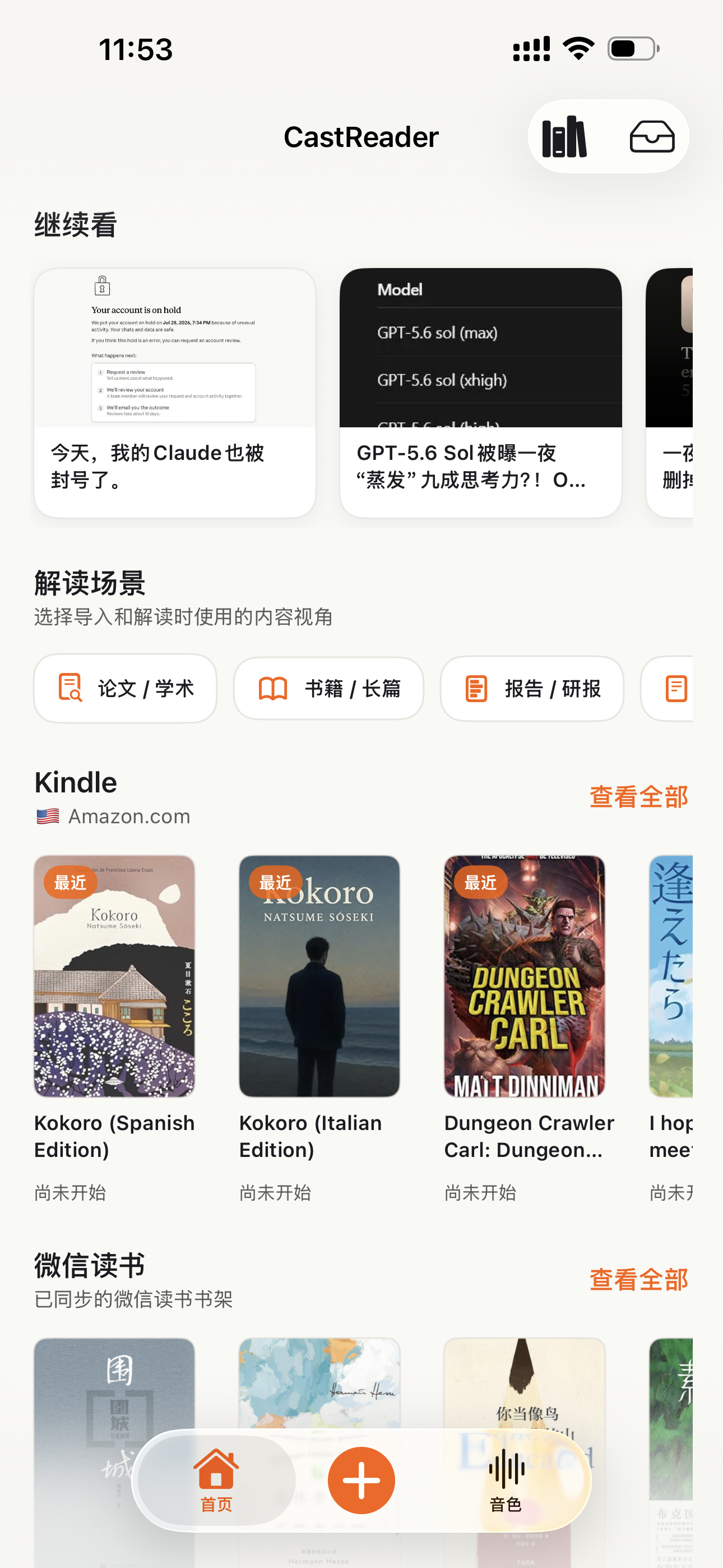
手机 App 的书架同步、Read Aloud、同步高亮、自动滚动、后台播放和进度续听,已经拆到独立落地页。
登上 Product Hunt
Daily 榜 #10,99 upvotes,4 条社区评论推动了 v1.2 路线图。
语音质量升级 —— Kokoro AI
从旧 TTS 引擎切换到 Kokoro 神经网络语音。用户评论从 'usable but robotic' 转为 'enjoy listening for hours'(来自 patrick chiang 的 Chrome Web Store 评论原话)。
提取可靠性首轮提升
英文 Kindle 书的 OCR 成功率从 78% 提升到 89%。加入了多栏页面检测(学术 PDF 适用)。
为什么有这个产品
我做 CastReader 是因为我有几百本 Kindle 书,想在晨跑时听它们,但不想为每本再买 Audible 版。技术问题 —— Amazon Cloud Reader 的字体加密 —— 最后用 OCR 解决了。产品问题 —— 让它在手机、桌面、9 种语言上真正好用 —— 花了两年迭代。我们是个小团队。我亲自回复每一条 Chrome Web Store 评论(上方 testimonials 里有证明 —— 包括 3 星和 1 星的)。如果有什么坏了或缺失,邮件 support@castreader.com。
—— Yan Xu, 创始人
最近审阅: · CastReader 团队 —— 基于 2025 测试数据
When Captions Are There, This Is What They Become
Paragraphs you can read and copy, read aloud with the line highlighted, and one tap back to the moment in the video.
Browser extensions
For local PDF, DOCX, TXT, Markdown, and images, plus supported webpages and browser-based readers. Local EPUB import is not available.
Mobile apps
For DRM-free EPUBs and mobile reading on iPhone, iPad, and Android.
Official App Store and Google Play downloads · Chrome, Edge, and Firefox extensions