
親しみのある声での朗読
ご自身の声を生成してプレビュー
サインインしたすべての会員は、複数の個人用ボイスを生成し、その固定プレビューを聴くことができます。Pro およびトライアル会員は、これらを「読み上げ」と「解説」機能に、メンバーシップ月ごとに 120 分枠で適用できます。
私の声を生成マイク録音 3〜30 秒10 の出力言語プライベートかつ削除可能
あなたの声が果たせること
聞く体験をより身近に
書籍、おやすみ前の読み聞かせ、ボイスギフト、オーディオブックの一部、または語学学習など、作業の道筋を選択してください。開始前に安全上の制限もご確認ください。

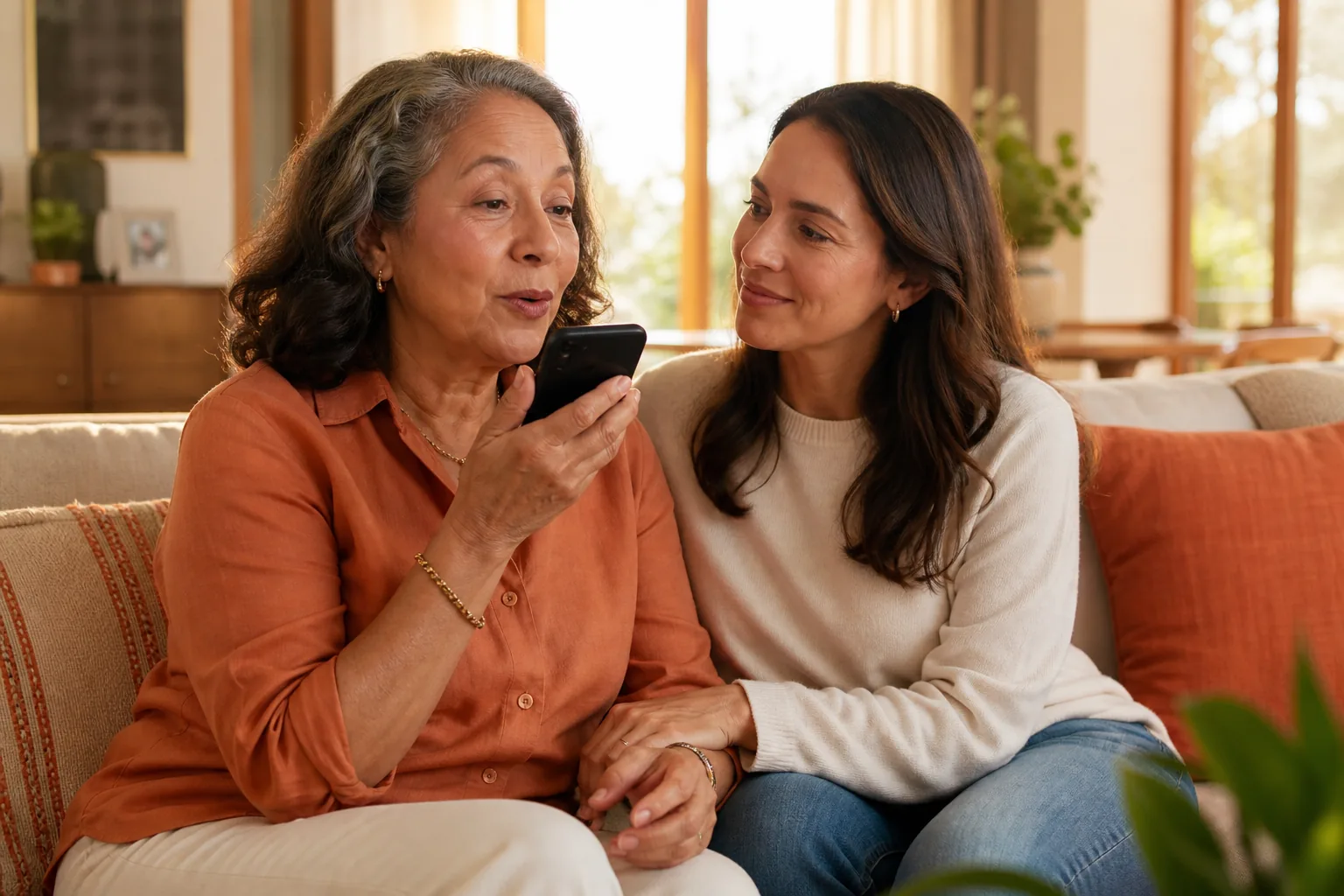
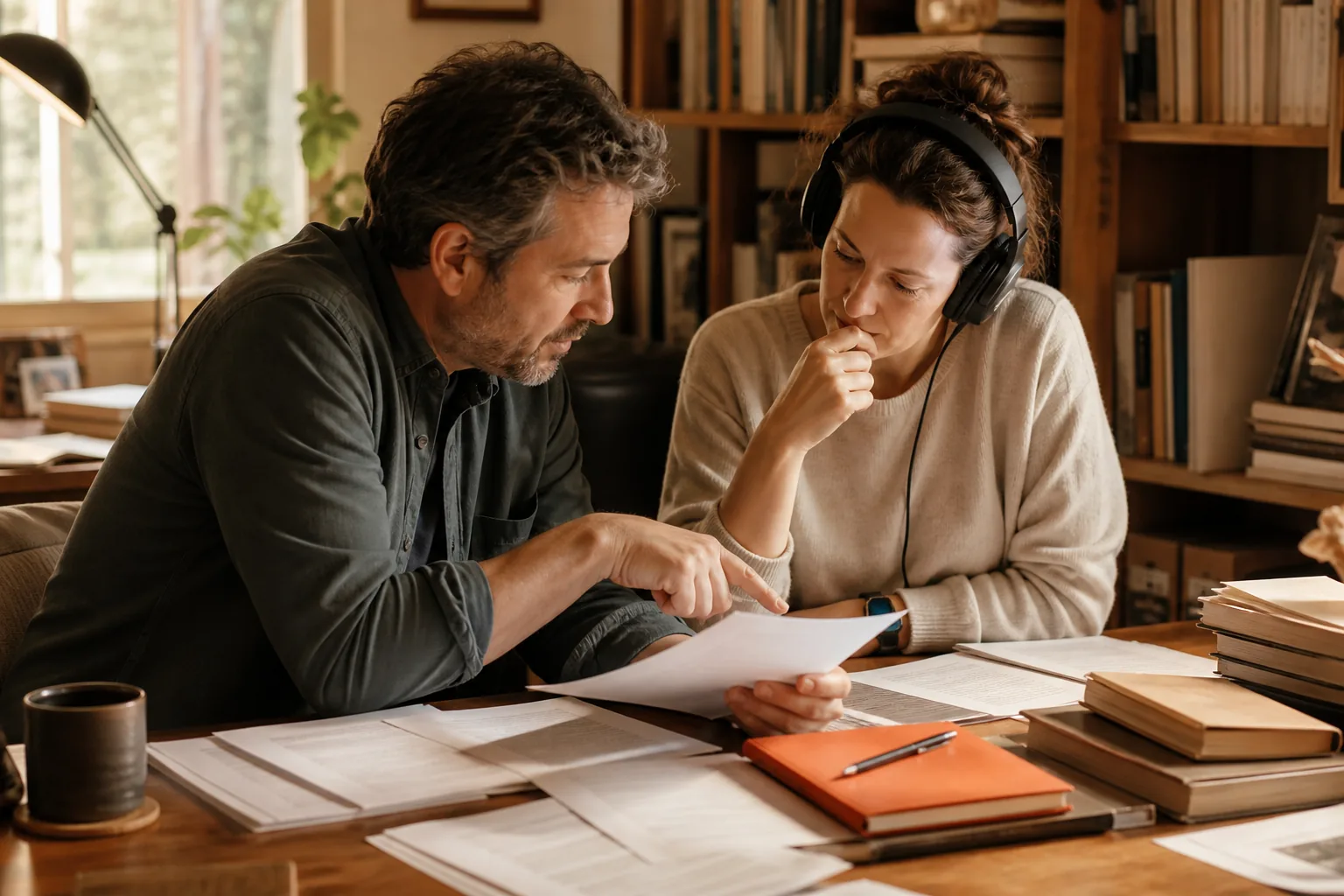

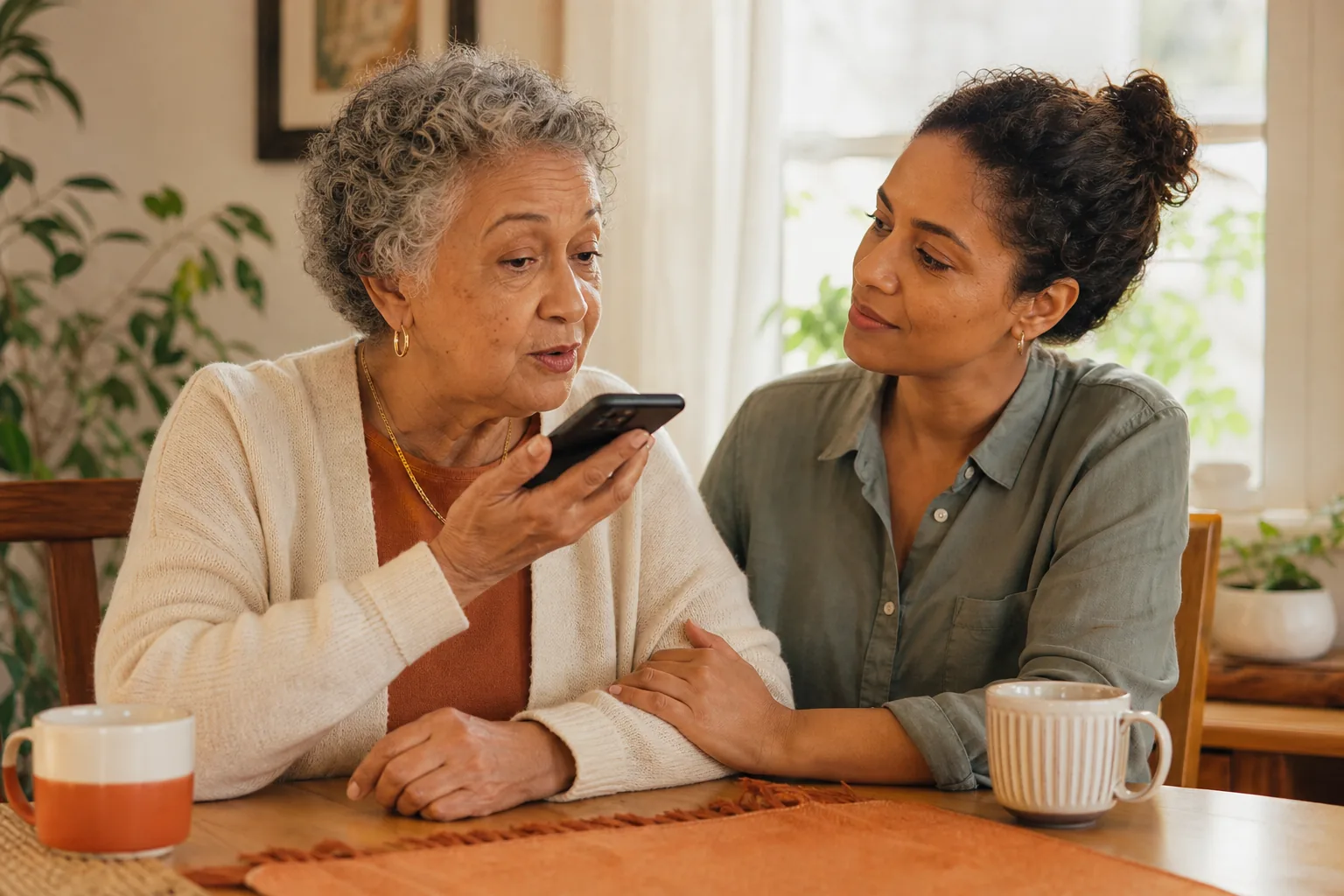
ボイスクローンを生成
サインイン後に複数の個人用ボイスを生成・管理し、固定プレビューを聴くことができます。Pro を利用すると、メンバーシップ月ごとの 120 分枠内で「読み上げ」と「解説」の使用が可能になります。
アカウントを確認中…
Free
音声クローン技術の仕組み
- 1
クリーンなサンプルを録音する
サインインし、マイクアクセスを許可して、10 の言語から passage を選び、自然な口調で 3〜30 秒間読み上げてください。
- 2
所有権を確認
録音がご自身の声であり、プライベートな音声クローンの作成を承認することを確認してください。
- 3
音声を作成
CastReader が再利用可能なプライベートな音声プロンプトを構築し、アカウントに紐付けます。
- 4
プレビューを確認し、使用方法を選択
サインイン後にサーバー設定の固定プレビューを再生します。Pro では、メンバーシップ月あたり 120 分まで、10 の対応言語で「読み上げ」と「解説」機能にこの音声を適用できます。
音声クローンに関するよくある質問
サインイン時の作成、固定プレビュー、Pro の適用分(分)、録音、安全性、地域データ境界に関する明確な回答
無料アカウントで何ができますか?
サインイン後、Free では複数のパーソナル音声を作成、管理、削除、および固定プレビューを行うことができます。固定プレビューはサーバー設定のスクリプトを使用し、120 分の利用枠を消費しません。Free では、任意のテキスト、読み上げ、解説機能にクローンを適用することはできません。
Pro はパーソナル音声について何を含まれていますか?
Pro では、パーソナル音声または明示的に承認された音声を「読み上げ」と「解説」機能で利用でき、メンバーシップ月あたり 120 分まで使用可能です。ツールにはサービスの正確なリセット日が表示されます。Pro 試用期間中のアカウントは、他のアクティブな Pro アカウントと同じ音声クローンアクセス権を持ちます。
120 分はどうやって計測されますか?
CastReader は正常に生成されたクローンオーディオの実際の継続時間をカウントします。利用枠は音声作成数、文字数、再生回数ではありません。
パーソナル音声の分はいつリセットされますか?
ツールには、現在の利用枠サイクルに対するサービスの正確なリセット日が表示されます。ブラウザ側で日付を推測することはありません。
失敗したリクエストは分を消費しますか?
いいえ。失敗、キャンセル、タイムアウト、品質拒否されたリクエストは分を消費しません。冪等性の再試行は二度と課金されず、キャッシュされたオーディオの再生も分を消費しません。
どのくらいの数のパーソナル音声を作成できますか?
サインインしている Free および Pro メンバーは、複数のパーソナル音声を作成できます。作成は Pro の特典ではなく、120 分の適用枠を消費しません。並列作成タスク、技術的問題、または録音品質の問題がある場合のみ、新規送信が一時的に阻止される可能性があります。
音声の 1 つを削除するとどうなりますか?
削除すると、その音声と保存された参照データが除去され、関連するボイスギフトも取り消されます。他の音声には影響せず、さらに音声を作成する能力も変更されません。
同じクローン音声でどの言語を使用できますか?
同じ音声で英語、中国語、ドイツ語、スペイン語、フランス語、イタリア語、日本語、韓国語、ポルトガル語、ロシア語を使用できます。異言語間の発音と自然さは、言語と録音品質によって異なります。
誰の声をクローンできますか?
ご自身の声、または所有者が明示的な承認を与えた声のみをクローンしてください。他の生存者については、ボイスギフト (英語原文)フローを使用して、本人にサインイン、録音、アクセス承認を行わせてください。死後の再作成はサポートされていません。
どのような録音が最適ですか?
静かな部屋でブラウザのマイクを通じて直接、3〜30 秒間録音してください。自然なペースで、インターフェース言語で表示されるプロンプトを使用してください。CastReader は明確なセグメントを選択または処理します。10〜20 秒程度がより強力な参照となります。
既存のオーディオ録音をアップロードできますか?
いいえ。現在の公開ツールは、直接マイクからの録音のみを受け付けます。既存の音声ファイルのアップロードフローは提供されていません。
クローン音声の削除方法
サインインした音声クローンツールを開き、保存された音声を選択して「音声を削除」を選択します。これにより、その保存された参照が削除され、関連するボイスギフトが無効化されますが、他の音声には影響しません。
120 分が使い切られた場合どうなりますか?
お客様の音声と現在の選択は保存されたままです。CastReader は利用枠が尽きていることを表示し、リセット日付を示し、標準的な音声を選択するためのパスを提供します。既存の Pro メンバーに対して、自動的に音声を置き換えることも、アップグレード画面を表示することもありません。
Pro のトライアルにはパーソナル音声の使用が含まれますか?
はい。トライアル中の Pro アカウントは、アクティブな有料 Pro アカウントと同様のパーソナル音声アクセス権を持ち、「読み上げ」と「説明」機能に 120 分の利用枠が含まれます。
グローバルと中国の音声データは共有されますか?
いいえ。グローバルユーザーと中国ユーザーのサインイン、ストレージ、データベース、コンピューティングは完全に分離されています。アカウント、ライブラリ、音声、および音声データは地域間で同期されません。
パーソナル音声で作成したオーディオをダウンロードできますか?
Pro では、WAV ダウンロードまたはエクスポートを提供するツールで、正常にクローンされたオーディオをダウンロードできます。Free の固定プレビューは再生専用であり、任意のテキストのダウンロードを解除するものではありません。
より良い音声サンプルを録音する
静かな部屋を使用
音楽、ファン、通知音をオフにし、話者は 1 人のみにしてください。
自然な距離を保つ
マイクは約 15〜25 cm の距離に置き、デバイスに触れないようにしてください。
自然に話す
通常のペースとトーンで話してください。囁いたり、叫んだり、他の人の真似をしたりしないでください。
ご自身の声のために設計され、明確なコントロールを提供
音声クローンは繊細な処理です。CastReader は、所有権、共有、取り消し、削除のコントロールを明確に表示します。
- 作成前の明確な所有権と同意の確認
- 参照録音と転写テキストの暗号化保存
- クローンを使用できるのは所有者または承認された名義付きの「ボイスギフト」受取者のみです
- ボイスギフトは、許可が有効な間、個人的な読み上げと解説に利用できます。声の所有者はいつでも利用許可を取り消せます。
- クローン音声と保存された参照データを削除すると、関連するすべてのボイスギフトも取り消されます。
- グローバルアカウントと中国アカウント、ストレージ、データベース、コンピューティングは完全に分離されています
- 死後の音声再作成はサポートされていません
- 聴衆を誤解させる可能性がある文脈では、AI 生成オーディオであることを明記する必要があります
- 完全な安全境界を読む (英語原文)
クローンした音声に次に何をさせますか
あなたの声で本を読む (英語原文)
認証済みの DRM フリーの本を開き、テキストを見ながらクローンが読み上げるのを聞きます。
あなたの声でオーディオブックを作成 (英語原文)
認証済みの原稿を、制限付きでレビュー可能な WAV パートに変換します。
親の声による bedtime stories (英語原文)
録音を行う親自身の声で、短い家族向けのストーリークリップを用意します。
ボイスギフト (英語原文)
生きている人物を招待して音声の録音と承認を行ってもらうか、既存のクローンを特定の受取人に共有します。
多言語音声クローン (英語原文)
1 つの熟悉的なクローンを、サポートされている 10 の出力言語すべてで使用します。
ファイルをアップロードして読む (英語原文)
PDF、EPUB、DOCX、テキストをローカルで開き、クローンした音声を選択します。
すべての読書ツール
テキスト、ドキュメント、電子書籍、ウェブページに適したワークフローを選択します。
Free と Pro の比較
Free の固定プレビューと、Pro のパーソナル音声使用、現在のプラン料金を比較します。