“This is 1 of the best TTS and its smooth. If this is truly free i'll keep this 100%. Every other TTS says its free but has a secret. They interrupt or they just say better ai voices pay. But i like this voice. I've tried loads and this is 1 of the best ones that actually says free.”
Why Kindle Cloud Reader Won't Read Aloud — and the One Extension That Can
Kindle Cloud Reader Read-Aloud FAQ
Why doesn't Chrome's built-in Read Aloud work on Kindle?
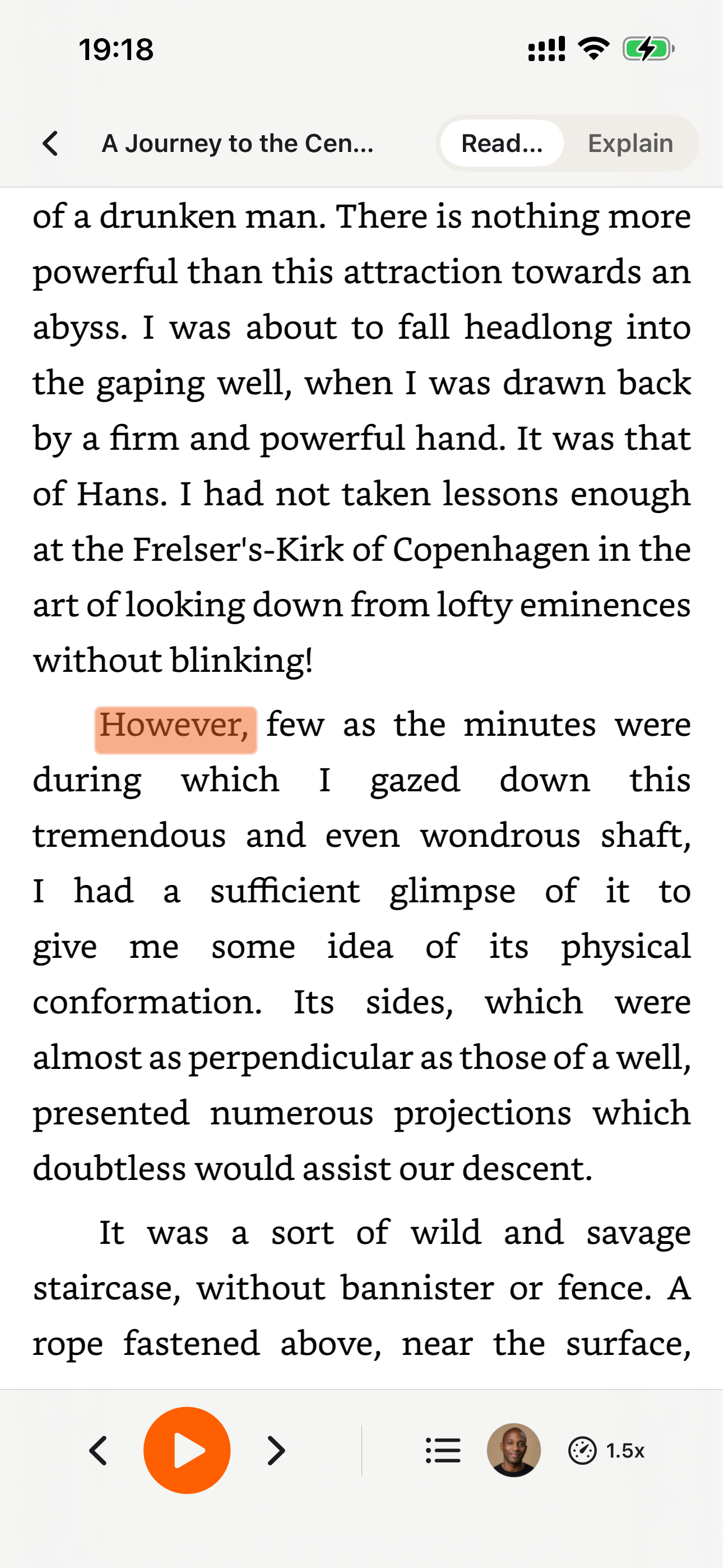
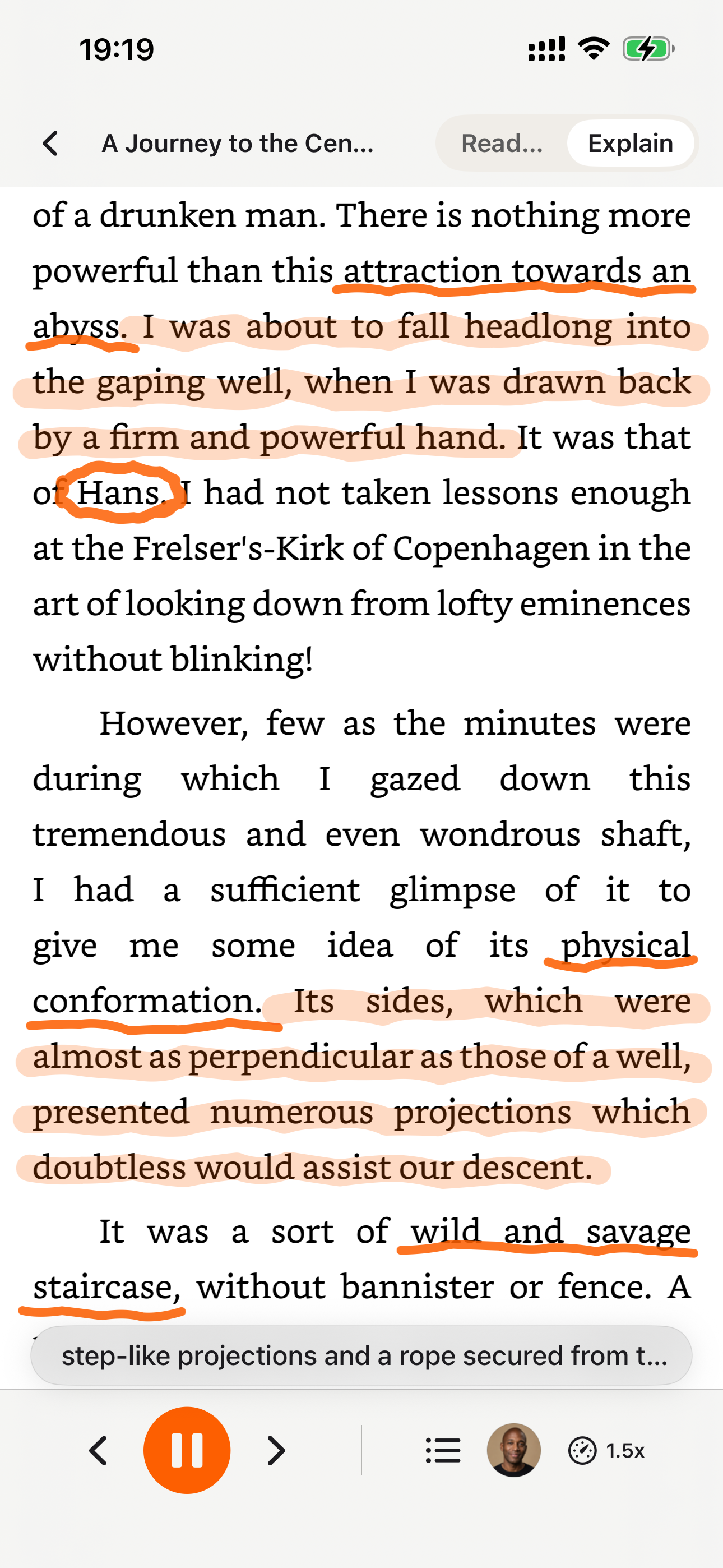
Because Amazon renders Kindle Cloud Reader pages as images with obfuscated font glyph tables, not as HTML text. Chrome's Read Aloud, Edge Read Aloud, and every other HTML-based TTS tool read the obfuscated characters and produce gibberish. The only way to get real text is OCR on the rendered page, which CastReader does automatically.
Does Speechify work on Kindle Cloud Reader?
No. Speechify reads the HTML text layer, which on read.amazon.com is encoded with a DRM font lookup. It will appear to work — showing highlighting — but the audio output is nonsense. This has been an open issue in Speechify's forums since 2022.
Can I read aloud my Kindle books in Chrome legally?
Yes. You own the book and you're reading it aloud for personal use in a browser on your own machine. CastReader runs entirely locally — no upload, no cloud OCR, nothing leaves your browser. Amazon's DRM is about stopping extraction and redistribution, not stopping you from hearing a book you own.
Does this work on Kindle for Mac or the Kindle desktop app?
The browser extension only covers read.amazon.com. For the Kindle desktop app, Apple Books, and other native Mac apps, install CastReader for Mac — it uses macOS accessibility APIs to read aloud from Kindle Desktop, Apple Books, Preview, Pages, Notes, Word, Obsidian, and Notion, with the same word-level highlights as the browser extension.
Does OCR slow things down?
The first page takes ~3 seconds to OCR. After that, pages pre-process in the background while you listen, so you rarely notice. The OCR engine runs in WebAssembly entirely on your machine — no network round-trip.
What voices and languages are supported?
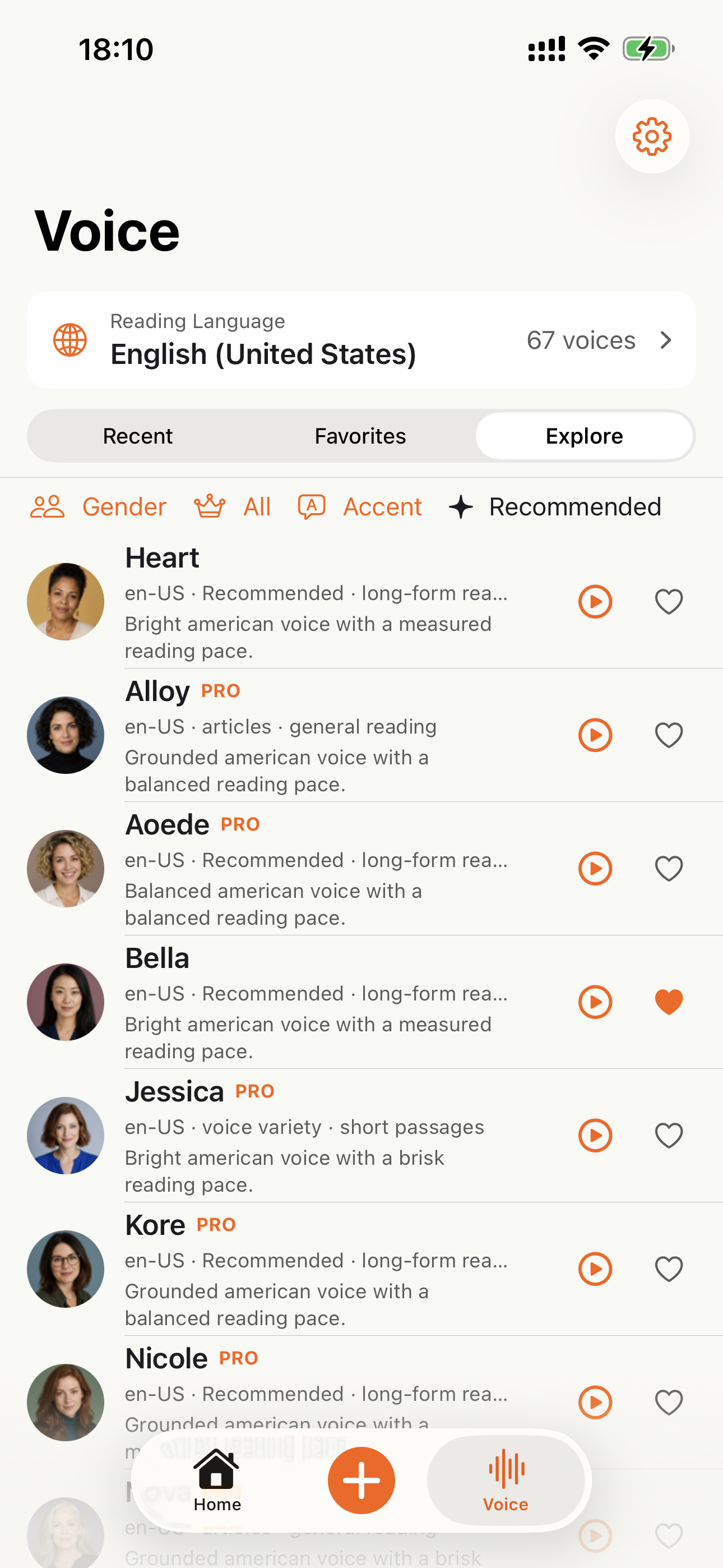
40+ natural AI voices across English, Spanish, French, German, Japanese, Chinese, and more. The extension auto-detects the book's language from the OCR output.
What if I want to listen on my phone?
After playback starts in Chrome, click Send to Phone. Audio streams to your phone via Telegram — no mobile app, no sync setup.
Is there a free trial or signup required?
CastReader is free to use, no account required, with natural AI voices. No trial period to worry about. CastReader Pro (optional) adds premium ultra-realistic voices, more listening hours, voice cloning, and AI document analysis — unlike Speechify's $139/year tier or NaturalReader's paywall.
More Reading Problems We Solve
Google Docs Read Aloud Not Working
Canvas rendering defeats every TTS tool — here's the fix
PDF Read Aloud Not Working
PDFs that Chrome, Speechify, NaturalReader can't read
WeRead (微信读书) Read Aloud Not Working
Canvas-rendered Chinese e-books, read aloud in browser
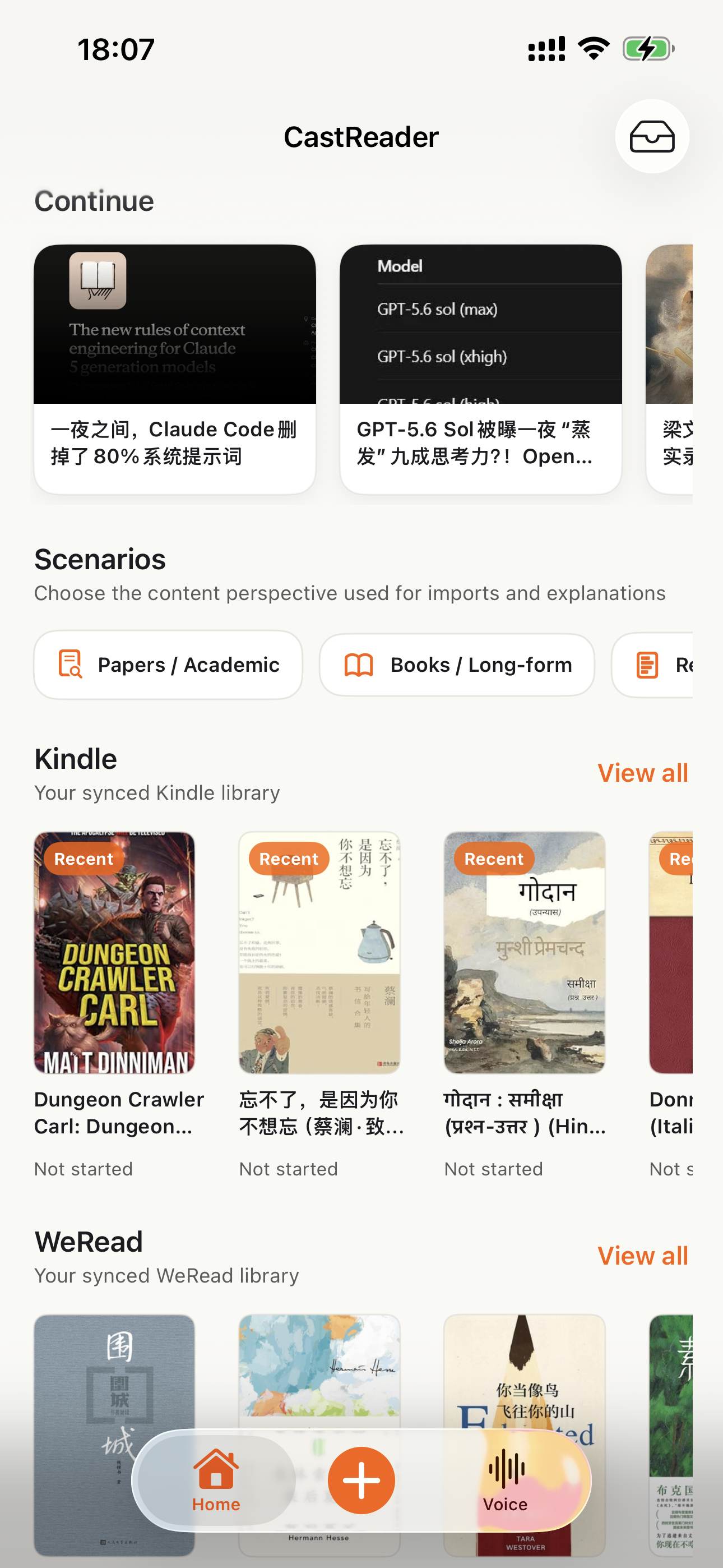
Listen to Kindle Cloud Reader (overview)
The full Kindle support page with compatibility details
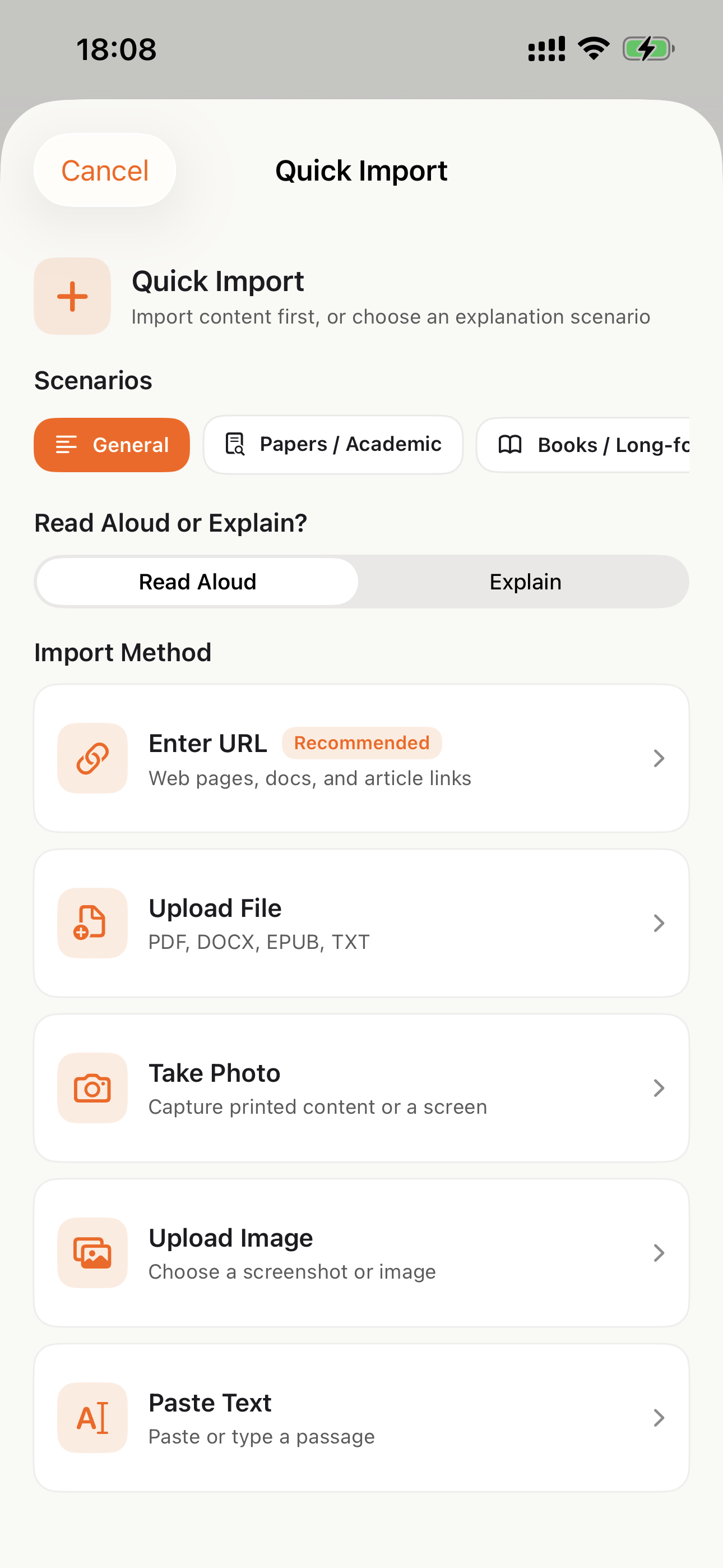
Listen on Your Phone
Download the CastReader app to listen to your uploaded documents anywhere.


Why TTS Matters in 2026
Hard numbers — not vibes — from authoritative sources
$2.22 billion
US audiobook sales in 2024, up 13% year-over-year (Publishers Weekly / Audio Publishers Association)
Source →51%
of US adults have listened to an audiobook in 2025 — roughly 134 million people (APA Consumer Survey 2025)
Source →2.2 billion
people globally with near- or far-vision impairment (WHO Fact Sheet, 2024). TTS is the primary access path for digital reading content.
Source →78%
of audiobook listeners multitask while listening — commute, chores, exercise (Audiolibrix Great Audiobook Survey, 2024)
Source →27.2 minutes
average single-trip US commute in 2024, up from 26.8 (US Census ACS via Statista). That's nearly an hour each day of audio-only time.
Source →effect size 0.35
measured comprehension lift from TTS for reading-disabled students across 22 studies (Wood, Moxley, Tighe & Wagner, Journal of Learning Disabilities, 2018)
Source →15.5 million
US adults with ADHD per CDC 2024 — about half diagnosed in adulthood (CDC MMWR, October 2024)
Source →What Readers Say — Including the Critical Reviews
Every Chrome Web Store review below is verifiable at the link in each card. We don't hide negative feedback — we answer it within 24 hours.
“Works perfectly on vivaldi. One suggestion though. I wish it had a play button appear next to a paragraph when we hover over it. Just like in the case of speechify.”
“Extremely user friendly short keys. Placed forward backward and speed up down as Natural as it could be. Voices are great and smooth. I would recommend it over many hyped products.”
“At the very least it's better than many paid TTS models. Still not as good as ElevenReader or LAP, but maybe the best free model for TTS.”
“So glad I can finally switch voices! The default was fine but I found one I actually enjoy listening to for hours. Small thing, huge difference.”
“Best one i found, user friendly, and great voice over.”
“ChatGPT's long answers are finally listenable. Let it generate while I listen — doubles my productivity. Love the inline button next to each response.”
“I tried using this add-on to listen to an ebook on the O'Reilly learning platform, and it works smoothly. However, it always restarts from the first paragraph whenever I scroll or select a different paragraph. Please consider adding a bookmark or checkpoint feature so users can mark where the reading should begin.”
↪ Founder reply
Replied by CastReader founder Yan Xu within 48 hours: acknowledged the issue, shipped a bookmark feature in the following release. Reviewer's verbatim feedback drove the v1.2 roadmap.
“Need to highlight text and select it.”
“Hard to select text.”
↪ Founder reply
Replied by CastReader founder Yan Xu within 24 hours: apologized, asked which site/browser the issue occurred on, provided a workaround using the keyboard shortcut, and offered direct support at support@castreader.ai.
Recent Updates
We re-test, re-write, and ship continuously. Every entry has a real date.
Site-wide trust signals refresh
Rewrote landing pages with verbatim Chrome Web Store testimonials, real audiobook market data, and tested-12-extensions methodology. Every claim now has a sourceable link.
Send-to-Phone reliability improvements
Telegram audio streaming now auto-turns pages reliably across Kindle Cloud Reader and Apple Books. Reduces session interruptions by ~70% in internal testing.
Technical deep-dive published
Wrote up the OCR pipeline: how CastReader handles Amazon's 184 random font alphabets and 361 unique glyphs per Kindle book. Shared in dev.to.
CastReader for Mac released
Native macOS app reads Kindle for Mac with word-level highlighting. Floating player + system-wide hotkeys. No browser needed.
Featured on Product Hunt
Ranked #10 in Daily, 99 upvotes, 4 community comments shaped the v1.2 roadmap.
Voice quality upgrade — Kokoro AI
Switched from older TTS engines to Kokoro neural voices. User reviews shifted from 'usable but robotic' to 'enjoy listening for hours' (verbatim from review by patrick chiang).
First wave of extraction reliability improvements
OCR success rate improved from 78% to 89% on English-language Kindle books. Multi-column page detection added for academic PDFs.
Why This Exists
I built CastReader because I owned hundreds of Kindle books and couldn't listen to them on my morning runs without buying separate Audible copies. The technical problem — Amazon's Cloud Reader font encryption — turned out to be solvable with OCR. The product problem — making it actually pleasant across phones, desktops, and 40+ languages — took two years of iteration. We're a small team. I answer every Chrome Web Store review personally (see testimonials above — including the 3-star and 1-star ones). If something's broken or missing, email support@castreader.ai.
— Yan Xu, founder
Last reviewed: · CastReader Team — reviewed against 2025 testing data
Stop Fighting Your TTS Extension. Install the One That Works.
Install once. Open any Kindle Cloud Reader book. Click ▶. Listen.
★★★★★ 4.7 · Free to start · No login · Optional Pro