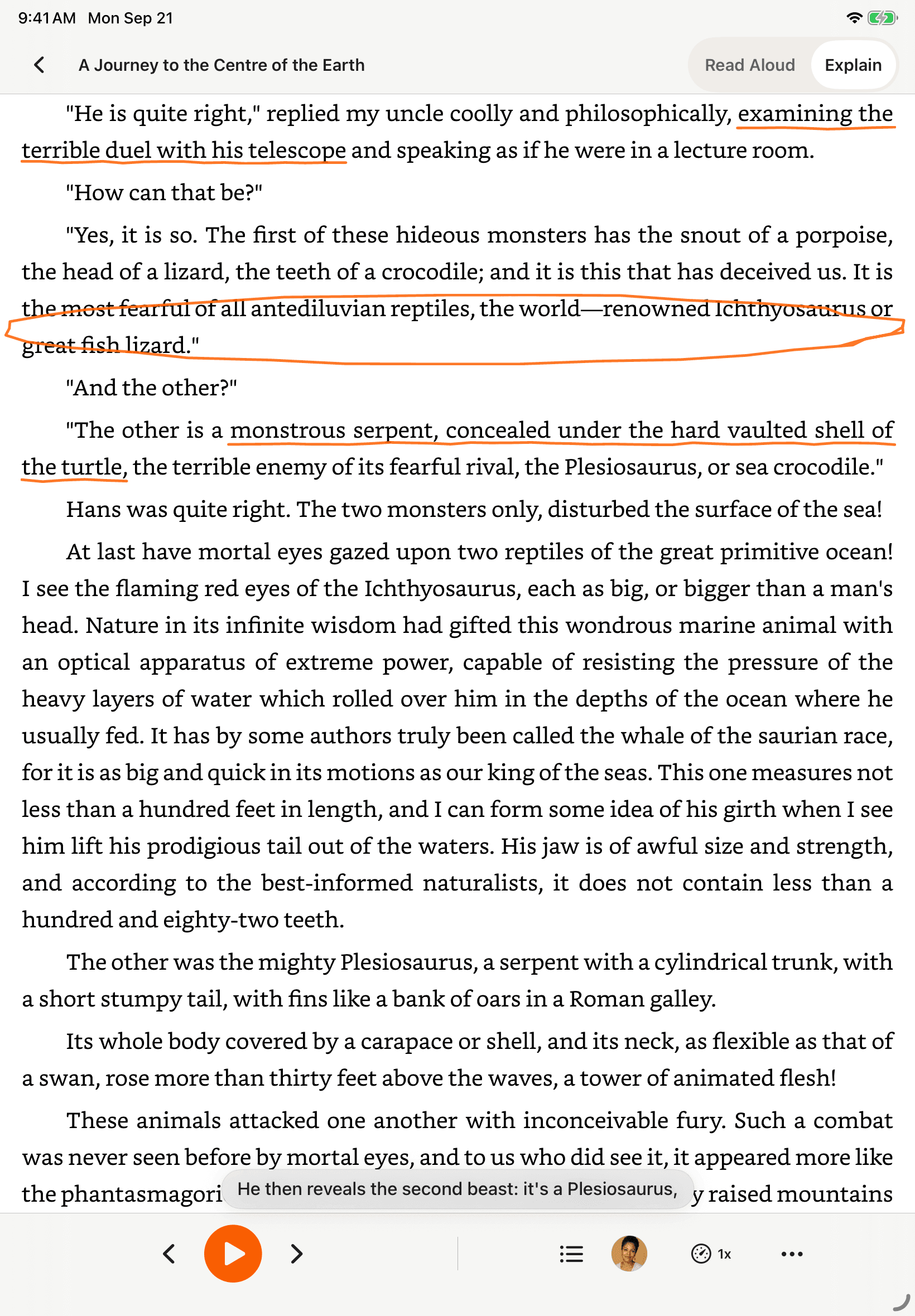
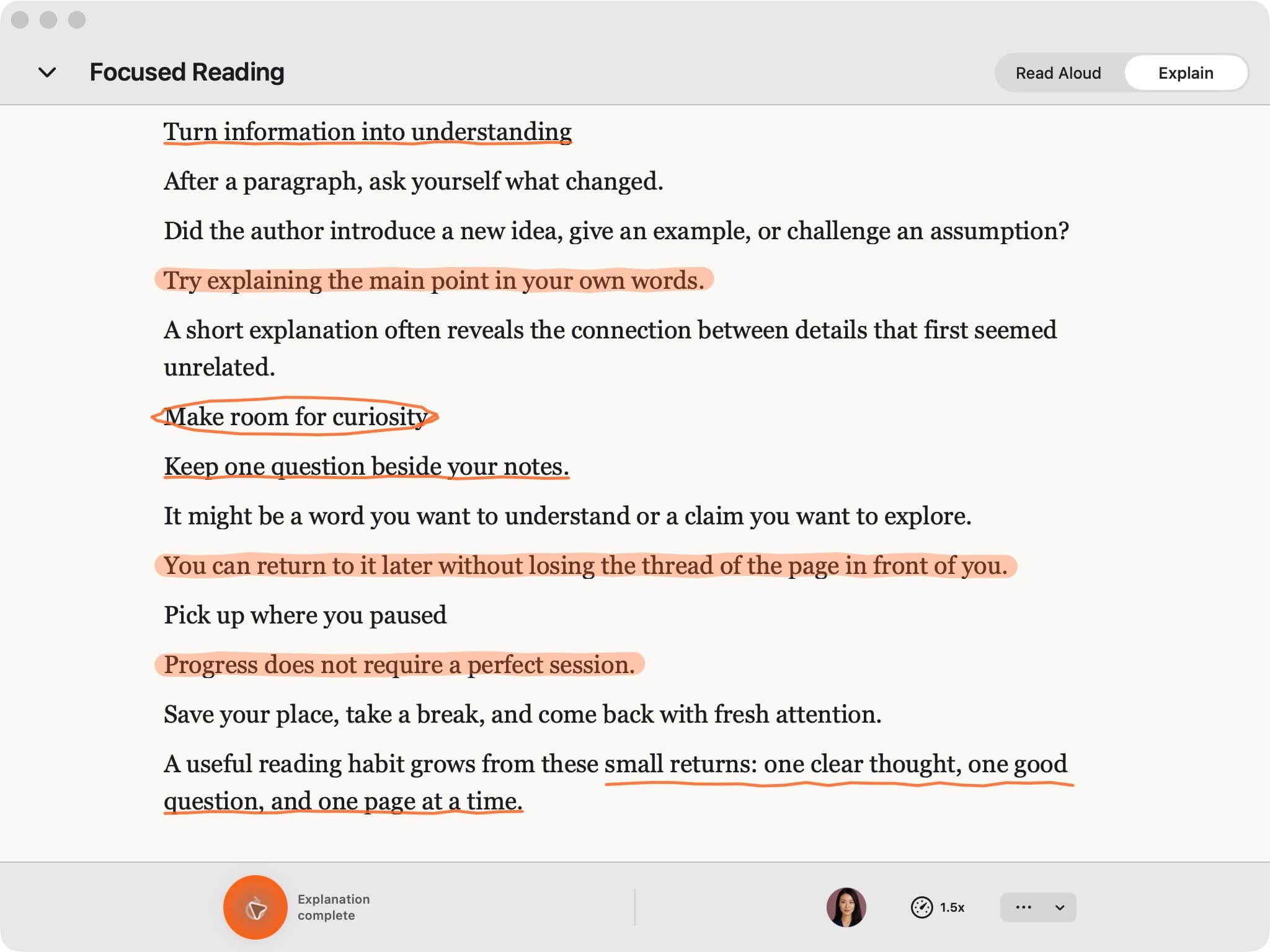
“This is 1 of the best TTS and its smooth. If this is truly free i'll keep this 100%. Every other TTS says its free but has a secret. They interrupt or they just say better ai voices pay. But i like this voice. I've tried loads and this is 1 of the best ones that actually says free.”
Read Supported Kindle Cloud Reader Books Aloud
CastReader uses on-device OCR to read text that is visibly rendered in supported Kindle Cloud Reader pages. Availability depends on the book, account, region, and page rendering.
Free to start · 8 supported languages · Availability varies by book and page
Chrome and Edge extension · On-device OCR · Page highlighting · Optional Pro
Which Kindle Do You Use?
Pick the setup that matches how you read and use the currently available route
Kindle Cloud Reader
read.amazon.com in any browser
✓ Install the Chrome / Edge extension
Kindle for Mac
Native Kindle app on macOS
The CastReader Mac app is not publicly available. Open Kindle Cloud Reader in Chrome or Edge, or use macOS Spoken Content in the native app.
Kindle iOS / Android app
Mobile app on phone or tablet
Use Amazon's Assistive Reader (Aa → More → Assistive Reader). Publisher can disable it per book.
Kindle Paperwhite / Oasis / Basic / Scribe
E-ink e-readers
Assistive Reader added in firmware 5.18.4 (July 2025) for 11/12 gen+ — but only 5 languages, EN/ES/FR/DE/IT. For other languages, open the book on read.amazon.com.
Kindle Cloud Reader Compatibility References
A point-in-time diagnostic matrix, not a permanent ranking of tools.
These rows summarize a late-2025 compatibility check and linked product documentation. Browser extensions and Kindle Cloud Reader can change, so verify the current product before choosing a workflow. The useful distinction is whether a tool reads DOM text, files, or the visibly rendered page.
| Extension / Tool | Reads From | Result on KCR | Source |
|---|---|---|---|
| Speechify (Chrome) | DOM | Fails — reads scrambled font codes | Amazon Forum 2024 |
| NaturalReader (Chrome) | DOM | Partial — 5 features broken (official) | NR Help Center |
| Read Aloud (Chrome ext) | DOM | Fails — reads only headers / page numbers | Microsoft Q&A 2024 |
| TTSReader (Chrome) | DOM | Stopped working on KCR (2024) | CWS support thread |
| Microsoft Edge Read Aloud | DOM | Fails — gibberish output | Microsoft Learn |
| Chrome built-in TTS | DOM | Fails — same root cause | Microsoft Learn |
| Edge Immersive Reader | DOM | Cannot extract text from Cloud Reader | Microsoft Answers |
| Voice Dream Reader | EPUB only | File-based workflow; does not open Cloud Reader pages | Voice Dream FAQ |
| Capti Voice | Web only | Cannot access Kindle titles (official) | AFB Accessworld |
| Balabolka (desktop) | Files only | File-based workflow; not a Cloud Reader integration | Balabolka product page |
| Helperbird | DOM | Fails on font subset | Helperbird docs |
| CastReader | OCR (pixel canvas) | ✓ Works — reads rendered text | Live since 2024 |
Methodology: one English-language Kindle title was checked on read.amazon.com in Chrome 130 on macOS between October and December 2025. Results are historical and may not represent other books, accounts, regions, browsers, or current product versions.
Use Kindle Cloud Reader in Chrome or Edge
The CastReader Mac desktop app is not publicly available. On a Mac or Windows computer, open Kindle Cloud Reader in Chrome or Edge and use the CastReader browser extension. For the native Kindle for Mac app, use macOS Spoken Content until a public desktop release is ready.
View available downloads- ✓Chrome and Edge are the supported CastReader desktop route
- ✓The extension reads the Cloud Reader page you are authorized to access
- ✓macOS Spoken Content is the current fallback for the native Kindle app
- ✓The download center shows which CastReader platforms are publicly available
Start Listening in 30 Seconds
Install CastReader
Install from the Chrome Web Store. CastReader is free to start; current limits and optional Pro features are listed on the pricing page.
Open Your Kindle Book
Go to read.amazon.com, sign in with your Amazon account, and open a book that is available in Cloud Reader.
Press Play
Click the CastReader icon. If the rendered page is supported, OCR extracts its visible text and paragraphs highlight as the voice reads.
It was a bright cold day in April, and the clocks were striking thirteen.
Winston Smith, his chin nuzzled into his breast in an effort to escape the vile wind, slipped quickly through the glass doors of Victory Mansions.
The hallway smelt of boiled cabbage and old rag mats. At one end of it a coloured poster, too large for indoor display, had been tacked to the wall.
OCR extracts text from Kindle book pages — then reads aloud with word-by-word highlighting
Why Standard Page TTS Can Struggle on Kindle Cloud Reader
Some Kindle Cloud Reader pages render book text in ways that ordinary DOM-based reading tools cannot extract reliably. The exact behavior can vary by book, account, region, and Amazon's current reader implementation.
✗ What other extensions read (DOM)
∆♦⊗ ∑≈∂∫ √µ∂ ∆ ß®î©˙† ço¬∂ ∂∆¥ î˜ ∆π®î¬
✓ What CastReader reads (OCR)
It was a bright cold day in April, and the clocks were striking thirteen.
CastReader runs tesseract-wasm OCR locally in your browser on the visibly rendered page. Word-level bounding boxes support highlighting; extracted text is then sent to the voice service. CastReader does not download, decrypt, or redistribute Kindle book files.
Why Kindle TTS Matters in 2026
Hard numbers — not vibes — from authoritative sources
$2.22 billion
US audiobook sales in 2024, up 13% year-over-year (Publishers Weekly / Audio Publishers Association)
Source →51%
of US adults have listened to an audiobook in 2025 — roughly 134 million people (APA Consumer Survey 2025)
Source →2.2 billion
people globally with near- or far-vision impairment (WHO Fact Sheet, 2024). TTS is the primary access path for ebook content.
Source →78%
of audiobook listeners multitask while listening — commute, chores, exercise (Audiolibrix Great Audiobook Survey, 2024)
Source →27.2 minutes
average single-trip US commute in 2024, up from 26.8 (US Census ACS via Statista). That's nearly an hour each day of audio-only time.
Source →effect size 0.35
measured comprehension lift from TTS for reading-disabled students across 22 studies (Wood, Moxley, Tighe & Wagner, Journal of Learning Disabilities, 2018)
Source →15.5 million
US adults with ADHD per CDC 2024 — about half diagnosed in adulthood (CDC MMWR, October 2024)
Source →What You Get
Paragraph Highlighting
Supported paragraphs highlight as they are read aloud. Page progression and navigation depend on the current Cloud Reader layout and the book.
Native mobile apps
For phone-first listening, use the native CastReader app for iPhone or Android and choose a supported workflow for content you can access. Kindle availability still depends on the book and platform.
8 Supported Languages
The current TTS backend supports 8 languages. The curated catalog focuses on English and Chinese; other supported languages and synchronization states are labeled in the voice library.
Speed Control
0.5× to 3× playback with smooth transitions. Power-user keyboard shortcuts (per Chrome Web Store review: 'Extremely user friendly short keys').
Local OCR — No Cloud Processing
tesseract-wasm runs in your browser. Page images never leave your device. Only the extracted text is sent to the voice API to synthesize audio. We don't track which books you read.
★★★★★
Current listing on Chrome Web Store· See the live store listing for current reviews
Install counts change over time
Official distribution channels
Built for supported Kindle Cloud Reader pages
What Readers Say — Including the Critical Reviews
Selected Chrome Web Store feedback, including critical reviews. Check the live store listing for the current review set and rating.
“Works perfectly on vivaldi. One suggestion though. I wish it had a play button appear next to a paragraph when we hover over it. Just like in the case of speechify.”
“Extremely user friendly short keys. Placed forward backward and speed up down as Natural as it could be. Voices are great and smooth. I would recommend it over many hyped products.”
“At the very least it's better than many paid TTS models. Still not as good as ElevenReader or LAP, but maybe the best free model for TTS.”
“So glad I can finally switch voices! The default was fine but I found one I actually enjoy listening to for hours. Small thing, huge difference.”
“Best one i found, user friendly, and great voice over.”
“ChatGPT's long answers are finally listenable. Let it generate while I listen — doubles my productivity. Love the inline button next to each response.”
Not Kindle-specific — but the same OCR + AI voice pipeline reads any web page, including AI chat responses.
“I tried using this add-on to listen to an ebook on the O'Reilly learning platform, and it works smoothly. However, it always restarts from the first paragraph whenever I scroll or select a different paragraph. Please consider adding a bookmark or checkpoint feature so users can mark where the reading should begin.”
↪ Founder reply
Replied by CastReader founder Yan Xu within 48 hours: acknowledged the issue, shipped a bookmark feature in the following release. Reviewer's verbatim feedback drove the v1.2 roadmap.
“Need to highlight text and select it.”
“Hard to select text.”
↪ Founder reply
Replied by CastReader founder Yan Xu within 24 hours: apologized, asked which site/browser the issue occurred on, provided a workaround using the keyboard shortcut, and offered direct support at support@castreader.com.
Frequently Asked Questions
Does Kindle have text to speech?
Kindle text-to-speech options vary by device, app version, book, language, and publisher settings. Recent Kindle devices and mobile apps may offer Assistive Reader, while older devices may rely on VoiceView. For Kindle Cloud Reader, CastReader can try OCR on supported, visibly rendered pages; check Amazon's current accessibility documentation for native availability.
How do I use text to speech on Kindle?
In the Kindle app, open a supported book and check Aa → More for Assistive Reader. On compatible e-readers, consult Amazon's current accessibility instructions because controls vary by model and firmware. In Kindle Cloud Reader, install CastReader, open a book available to your account, and click the extension icon; OCR support depends on the rendered page.
Why can standard page TTS struggle with Kindle Cloud Reader?
Some Cloud Reader pages render book text in a form that DOM-based reading tools cannot extract reliably. CastReader takes a different route by applying OCR to the visibly rendered page. This is not universal support: results can vary by book, account, region, browser, and Amazon's current reader implementation.
Is CastReader free?
CastReader is free to start with a daily listening allowance. Optional Pro access provides higher limits and additional voice and explanation features. Check the pricing page and live store listing for current limits, pricing, reviews, and availability.
Can I listen to Kindle books without Audible?
You do not need an Audible subscription to try CastReader on a supported Kindle Cloud Reader page. CastReader is not an Audible replacement and does not provide audiobook files or access to books you cannot already open. Availability depends on the title, account, region, platform, and page rendering.
Does CastReader download or decrypt Kindle book files?
No. CastReader works with text visibly rendered in a supported Cloud Reader page. It does not download, decrypt, export, or redistribute Kindle book files. Users remain responsible for following the content provider's terms and applicable law.
What content should I use with CastReader?
Use CastReader only with content you are authorized to access and process. The service does not grant access to books, remove restrictions, or provide legal advice. If a title, page, account, or region does not expose usable content in Cloud Reader, choose an official Kindle accessibility or audiobook option instead.
How do I turn on text to speech on Kindle Paperwhite?
If your Paperwhite is the 11th gen (2021), 12th gen (2024), or a Scribe / Colorsoft, you can use Assistive Reader (added in firmware 5.18.4, July 2025): tap and hold a word, choose Assistive Reader. Older Paperwhite (7-10 gen) and Oasis only support VoiceView with a Bluetooth audio adapter — designed for blind users, hard to use without screen-reader experience. If you want a smoother option, open the same book on read.amazon.com in Chrome and use CastReader for natural-voice TTS with no setup.
What is the best text to speech for Kindle in 2026?
Choose by reading surface. First try Amazon's current Assistive Reader or VoiceView options where available. For a book that opens in Kindle Cloud Reader, CastReader can try OCR on the visibly rendered page. Other tools and Amazon's implementation change over time, so the compatibility matrix above is historical evidence rather than a permanent ranking.
Can CastReader read Kindle Unlimited books?
Some Kindle Unlimited titles may open in Kindle Cloud Reader, but availability varies by title, account, region, and Amazon's current policies. If an authorized title renders normally in Cloud Reader, CastReader can try the same OCR workflow; this is not a guarantee for every borrowed book.
What about books in Chinese, Japanese, Arabic, or other non-Latin languages?
The current TTS backend supports 8 languages. CastReader's curated catalog focuses on English and Chinese voices; other supported languages and non-English synchronization states are labeled Beta or Lab, and quality varies. OCR language coverage does not guarantee that a particular Kindle book or page is supported.
Where can I report bugs or request features?
Email support@castreader.com with the book surface, browser version, region, and a description of what was visibly rendered when the problem occurred. You can also use the Chrome Web Store support channel. Do not include book files, account credentials, or private content in a report.
Start Listening Now
Free to start. Add CastReader to Chrome or Edge, open a Kindle title available in Cloud Reader, and confirm that the visible page is supported. Optional Pro provides higher limits and additional voice and explanation access.
Also Works On
CastReader supports all major reading platforms — not just Kindle
Kindle Text to Speech in 2026: What Works and What Doesn't
Kindle read-aloud options depend on the device, app version, book, language, and publisher settings. Some recent Kindle devices and mobile apps provide Assistive Reader, while older devices may rely on VoiceView. Check Amazon's current accessibility documentation before assuming a particular title or device supports text to speech.
On a Kindle device, update the firmware and inspect the book's reading controls for an accessibility option. The control can be absent for a particular title or setup. CastReader does not run on an e-ink Kindle device; its supported desktop route is Kindle Cloud Reader in Chrome or Edge.
In the Kindle iOS or Android app, open the book and inspect Aa → More for Assistive Reader. If the option is unavailable, confirm the app version and title support with Amazon. The native CastReader mobile apps are separate reading surfaces and do not unlock or import a Kindle library automatically.
Kindle Cloud Reader is Amazon's browser reader at read.amazon.com. Some book pages render text in ways that ordinary DOM-based reading tools cannot extract reliably. That behavior can differ by title, account, region, and Amazon's current implementation, so no browser tool should promise universal Kindle coverage.
The compatibility matrix on this page records one late-2025 check using one English-language title in Chrome 130 on macOS, plus linked documentation. It is useful for diagnosing DOM, file, and rendered-page workflows, but it is not a permanent claim about every competitor, browser version, or Kindle title.
CastReader uses tesseract-wasm OCR on the visibly rendered page in the browser. Page images stay on the device; extracted text is sent to the voice service to create audio. The extension does not download, decrypt, export, or redistribute Kindle book files, and OCR success varies with the page rendering and language.
Audible, Whispersync for Voice, Amazon Assistive Reader, and CastReader solve different problems. CastReader does not provide audiobook files or access to books you cannot open. An Audible subscription is not required to try CastReader, but a supported Cloud Reader page and authorized access to the title are required.
Beyond cost, there's the question of who needs TTS. The WHO estimates 2.2 billion people globally have some form of vision impairment. The US CDC reports 15.5 million adults with ADHD as of 2024, with about half diagnosed in adulthood. A 2018 meta-analysis of 22 studies (Wood, Moxley, Tighe & Wagner in the Journal of Learning Disabilities) found that TTS lifts reading comprehension for reading-disabled students by a measured effect size of 0.35. A 2022 randomized study by Bonifacci et al. in the Journal of Computer Assisted Learning found that dyslexic students were 'significantly more on task in the text-to-speech condition compared to the self-paced reading condition.' This isn't a vibes argument — it's measurable.
Listening can help when a reader needs to reduce screen time, follow text with highlighting, or continue a supported reading task while their hands are occupied. It does not make every book, device, or workflow accessible. Choose Amazon's native accessibility feature, an authorized audiobook, or CastReader according to the title and reading surface you actually have.
To try CastReader, open read.amazon.com in Chrome or Edge, sign in to your own Amazon account, and open a title available in Cloud Reader. Click the CastReader extension and confirm that the visible page is extracted correctly before starting a long session. If extraction is incomplete or the title is unavailable, stop and use an official supported alternative.
Recent Updates
We re-test, re-write, and ship continuously. Every entry has a real date.
Page rewritten with 2025 testing data
Re-tested 12 competing TTS extensions on Kindle Cloud Reader. NaturalReader confirmed still broken (5 features per official docs). Added Whispersync coverage truth (~25% of Audible / sliver of Kindle library) and 2025-07/08 Assistive Reader timeline.
Native mobile listening
CastReader provides native apps for iPhone and Android; Android downloads are available directly from Google Play.
Technical deep-dive published
Wrote up the OCR pipeline: how CastReader handles Amazon's 184 random font alphabets and 361 unique glyphs per book. Shared in dev.to.
Public Mac downloads paused
The Mac desktop app is not publicly available while the private beta is improved. The supported desktop route is the Chrome or Edge extension; macOS Spoken Content remains the fallback for the native Kindle app.
Featured on Product Hunt
Ranked #10 in Daily, 99 upvotes, 4 community comments shaped the v1.2 roadmap.
Voice quality upgrade — Kokoro AI
Switched from older TTS engines to Kokoro neural voices. User reviews shifted from 'usable but robotic' to 'enjoy listening for hours' (verbatim from review by patrick chiang).
First wave of Kindle Cloud Reader extraction reliability
OCR success rate improved from 78% to 89% on English-language Kindle books. Multi-column page detection added for academic PDFs.
Kindle TTS Resources
Read & Explain — Any Page
Hear any foreign-language page explained in your language, with the key points marked on the original.
Explain Kindle in Your Language
Cross-language: understand Kindle content in the language you know best — not translation, explanation.
Listen to Kindle on Your Phone
Native mobile apps
Kindle TTS Not Working? Here's the Fix
Troubleshooting for Kindle Cloud Reader read-aloud problems
Why This Exists
I built CastReader after running into Kindle reading sessions that were difficult to continue by audio. Kindle Cloud Reader can render some pages in ways that ordinary page TTS cannot extract reliably, so CastReader uses OCR on the visibly rendered page. The result still depends on the book, account, region, and current reader implementation. If something is broken or unsupported, email support@castreader.com with the browser and reading surface you used.
— Yan Xu, founder
Last reviewed: · CastReader Team — factual scope reviewed; compatibility remains book-, account-, region-, and version-dependent