“This is 1 of the best TTS and its smooth. If this is truly free i'll keep this 100%. Every other TTS says its free but has a secret. They interrupt or they just say better ai voices pay. But i like this voice. I've tried loads and this is 1 of the best ones that actually says free.”
Free Text to Speech Online — No Sign Up
Paste text, choose an on-device or CastReader voice, and press Play. On-device voices stay free and need no account; AI and cloned voices follow your CastReader plan.
Paste text and have it read to you
Runs in your browser — nothing is uploaded
Device default
On-device · free · no sign-in · unlimited local playback.
On-device
Free, unlimited and no sign-in. Text stays on this device.
Free AI voices
Sign in for 20 AI voice minutes and 3 Explains each day.
Pro + cloned voices
Signed-in Free and Pro members can create multiple personal voices and play fixed previews. Applying them to Read Aloud or Explain requires Pro and shares 120 minutes per membership month.
Start free, then choose how natural you want to go
Keep using an on-device voice without an account, sign in for daily AI allowances and multiple personal voices with fixed previews, or choose Pro to apply those voices for 120 minutes per membership month.
CastReader Voice API
Need an audio file — or a voice for your app?
Keep using this reading tool as usual. For MP3 / WAV generation, multilingual speech or private voice cloning in your product, use the separate Voice API. Reading voices and API voices are selected separately.
- 1,300+ previewable voices
- 10 synthesis languages
- $8 / million characters
Self-service after identity verification · 3,000 trial characters per account (30 days; daily limits apply) · Separate API billing · Up to 500 characters per queued task
Request example · send text, retrieve audio
POST /v1/jobs
{
"model": "clone-v1",
"voice_id": "YOUR_VOICE_ID",
"text": "Give your app a voice.",
"language": "en",
"output_format": "mp3"
}Requires a server-side API key and a valid voice ID. Poll the submitted job, then download after success. Never expose your key in the browser.
Why Choose Our Free Text to Speech Tool?
Experience high-quality text to speech conversion with natural AI voices
Free to Use
Natural AI Text to Speech
Start with an on-device voice for free. Sign in for daily AI allowances and multiple personal voices with fixed previews; Pro can apply those voices in Read Aloud and Explain for 120 minutes per membership month.
Privacy First
Local When You Choose Local
On-device voices run inside your browser and do not send your text to CastReader. Cloud AI and cloned voices are clearly labeled and send only the text you explicitly choose to play.
Natural Voices
High-Quality AI Voices
CastReader AI voices show Free or Pro access clearly. Every signed-in Free and Pro member can create multiple personal voices and play fixed previews; applying them to text requires Pro and uses the 120-minute membership-month allowance.
Lightning Fast
Hear It in Seconds
On-device speech starts locally. When you deliberately select an AI or cloned voice, CastReader generates only the passage you play and enforces account limits before compute begins.
Frequently Asked Questions
Everything you need to know about our free text to speech tool
Is this text to speech tool really free?+
Yes. On-device voices are free and need no account. Signed-in Free and Pro members receive daily AI allowances and may create multiple personal voices with fixed previews. Applying those voices to Read Aloud or Explain requires Pro and shares 120 minutes per membership month.
Do I need to create an account?+
No account is required for on-device voices. CastReader AI and personal-voice creation require sign-in. Free and Pro members can create multiple voices and play fixed previews; applying them to Read Aloud or Explain requires Pro and uses 120 minutes per membership month.
What is text to speech (TTS)?+
Text to speech (TTS) converts written text into spoken audio. This page reads pasted text using an available on-device voice or a CastReader AI voice. On-device voices do not require a CastReader account; AI voices require sign-in and follow your plan limits.
How natural do the voices sound?+
Voice quality depends on the source. On-device quality varies by operating system. CastReader AI voices are more natural, are grouped by language, and are labeled as Free or Pro before you select them.
Can I download the audio as a file?+
No. This page plays text aloud in your browser; it does not export MP3 or WAV files for download or use in a podcast, video, or audiobook. On-device playback is free without a CastReader account. AI and cloned voices have separate sign-in and plan limits.
What languages are supported?+
On-device languages depend on voices installed by your browser and operating system. CastReader AI currently provides curated voices for English, Chinese, Japanese, Spanish, French, Portuguese, Italian, Hindi, and German.
Who can benefit from using text to speech?+
Use this page to listen to a short study passage, review a work note, or hear a draft while checking for repeated words and awkward sentences. You can follow the text, pause, resume, and adjust the speed. It is a listening tool, not a way to create downloadable voiceovers, podcasts, or audiobooks.
Are there any usage limits?+
On-device playback reads up to 3,000 characters per run and has no account quota. Signed-in Free and Pro members can create multiple personal voices and play fixed previews. Applying those voices requires Pro and is limited to 120 successful audio minutes per membership month.
Can I adjust the voice speed?+
Yes. This page offers speeds from 0.5x to 2x. On-device speeds remain free; speeds above 1.25x with CastReader AI voices require Pro.
Is my text data secure and private?+
With an on-device voice, the text stays in your browser and is not sent to CastReader for speech generation. If you choose a CastReader AI or cloned voice and start playback, text from that reading session is sent for speech generation, including upcoming passages buffered for smoother playback. This is cloud processing, not on-device processing.
Can I use this on my mobile phone?+
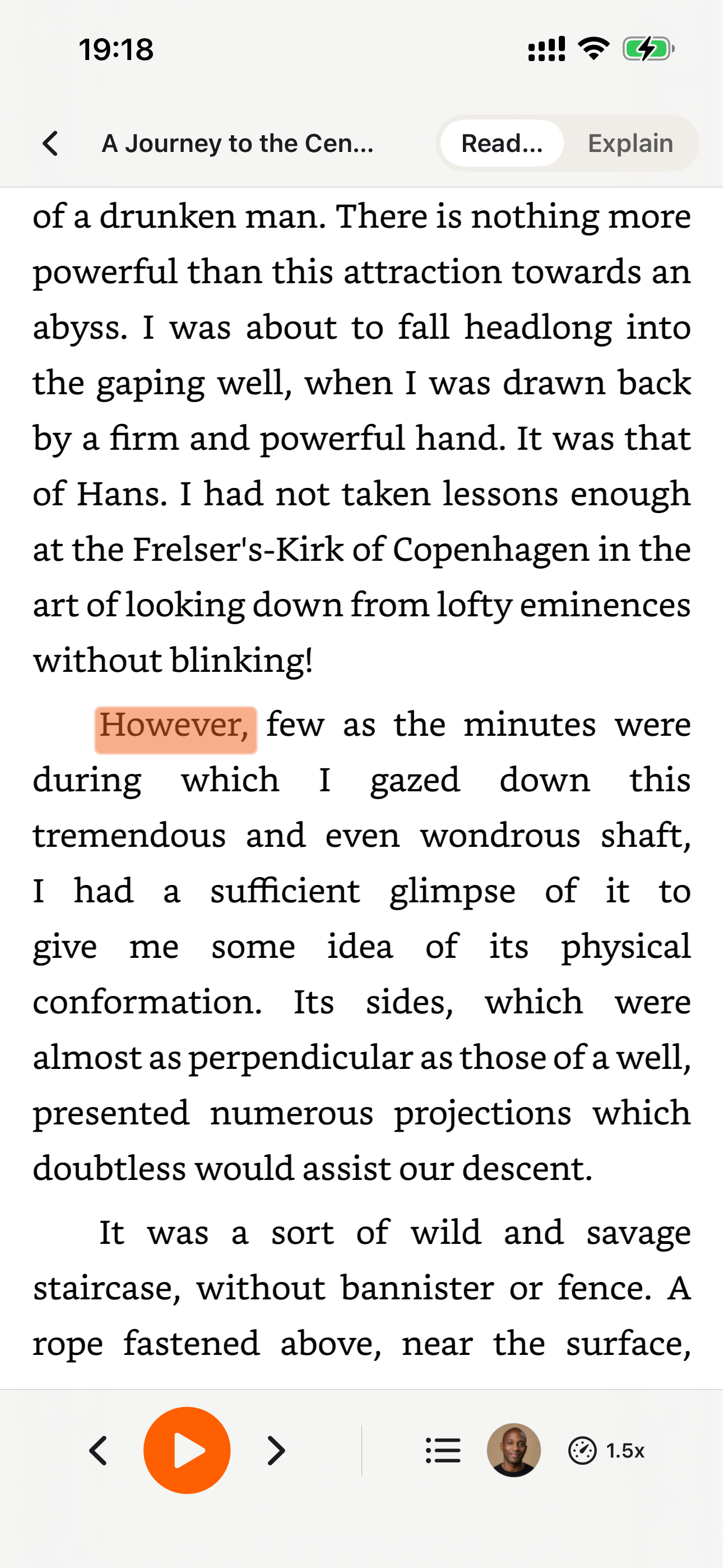
Yes. The page is responsive, although available on-device voices vary by browser and operating system. CastReader also provides native apps for iPhone, iPad, and Android.
Does CastReader have a character limit like other free TTS tools?+
Yes. This paste tool reads only the first 3,000 characters of the text box. To hear the rest, manually split the text and replace it with the next section; pressing Play again does not advance to the next 3,000 characters. Replaying with an on-device voice has no account quota. AI and cloned voices remain subject to your plan limits. For longer reading, choose a supported document reader, browser extension, or mobile app.
What is the best free text-to-speech Chrome extension in 2026?+
CastReader works on supported reading platforms including Kindle Cloud Reader and canvas-rendered sites such as WeRead. On-device speech is free; signed-in Free accounts receive 20 AI voice minutes and 3 Explains daily. See our full comparison of TTS Chrome extensions.
Can I use text to speech for long documents like entire books?+
The paste tool is intended for short text. For long articles, supported ebooks, PDFs, or Kindle Cloud Reader, use the appropriate CastReader web reader, browser extension, or mobile app. The same Free and Pro voice access rules apply.
How does CastReader compare to Speechify and NaturalReader?+
CastReader keeps on-device speech free without sign-up and provides daily AI allowances after sign-in. Free and Pro members can create multiple personal voices and play fixed previews; applying them requires Pro and shares 120 minutes per membership month. Supported workflows include Kindle, Google Docs, and WeRead. See the Speechify comparison.
Is there a free text to speech that works offline?+
On-device playback uses a compatible installed voice rather than CastReader's cloud speech service. Availability depends on your browser and operating system; this website is not an offline app, and loading or reloading it requires an internet connection. CastReader AI and cloned voices on this page also require an internet connection. Do not rely on this page for a fully offline workflow.

Can't find what you're looking for? Contact our customer support team
Free TTS Resources
10 Free TTS Tools Compared
Side-by-side test of every free text-to-speech tool in 2026
Best TTS Chrome Extensions
Tested on 50+ sites — which extensions actually work
Speechify Alternative (Free)
Why pay $139/yr? CastReader does the same job for free
Free vs Paid TTS
A practical comparison of free readers and paid voice tiers
TTS for Dyslexia
How dual-channel reading helps — tools and techniques
Listen to Kindle Books
OCR-based TTS for Kindle Cloud Reader
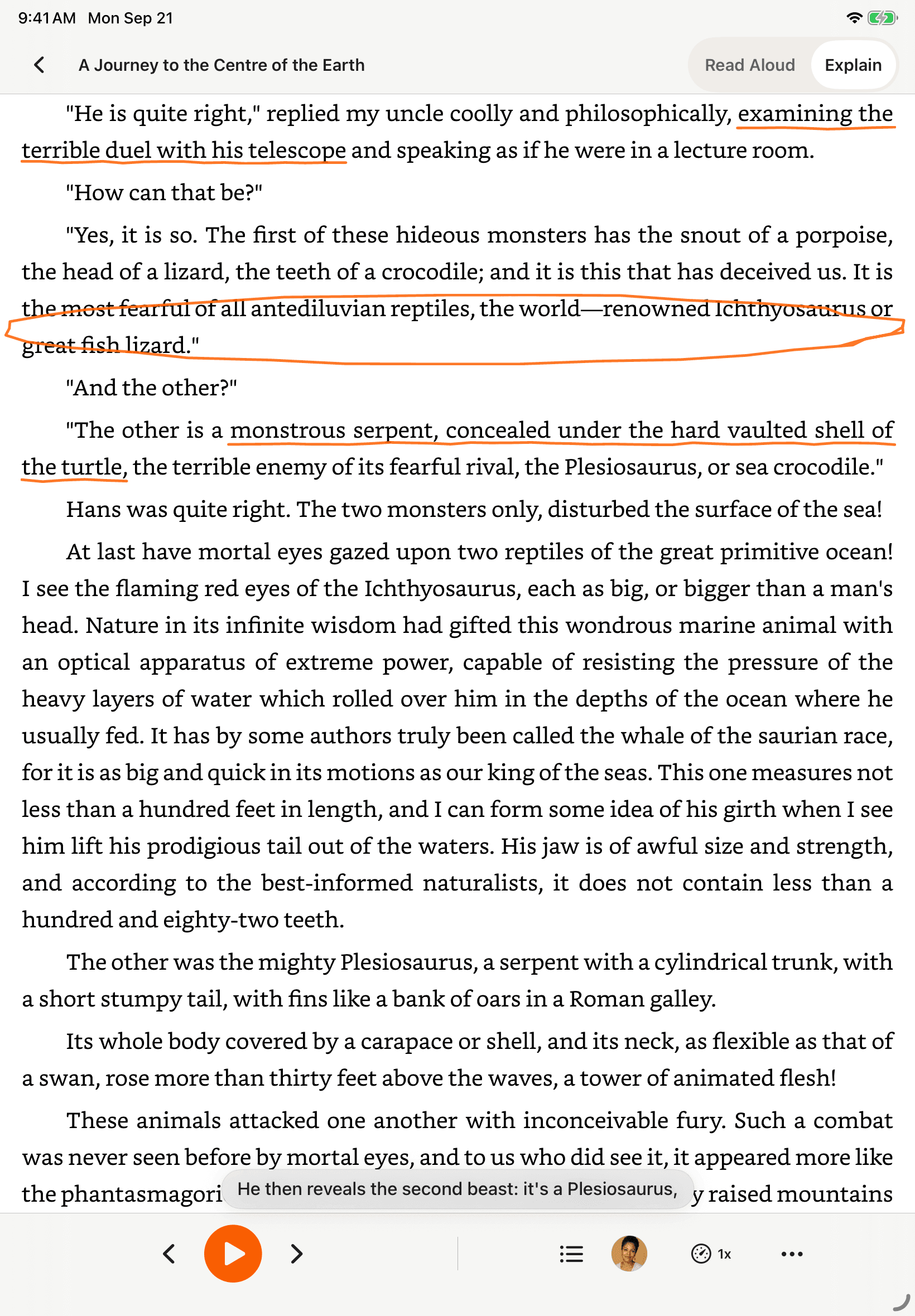
Read & Explain Documents
Hear a document and ask for an explanation tied to the source
EPUB to Audiobook
Read a DRM-free EPUB aloud in your browser
Why TTS Matters in 2026
Hard numbers — not vibes — from authoritative sources
$2.22 billion
US audiobook sales in 2024, up 13% year-over-year (Publishers Weekly / Audio Publishers Association)
Source →51%
of US adults have listened to an audiobook in 2025 — roughly 134 million people (APA Consumer Survey 2025)
Source →2.2 billion
people globally with near- or far-vision impairment (WHO Fact Sheet, 2024). TTS is the primary access path for digital reading content.
Source →78%
of audiobook listeners multitask while listening — commute, chores, exercise (Audiolibrix Great Audiobook Survey, 2024)
Source →27.2 minutes
average single-trip US commute in 2024, up from 26.8 (US Census ACS via Statista). That's nearly an hour each day of audio-only time.
Source →effect size 0.35
measured comprehension lift from TTS for reading-disabled students across 22 studies (Wood, Moxley, Tighe & Wagner, Journal of Learning Disabilities, 2018)
Source →15.5 million
US adults with ADHD per CDC 2024 — about half diagnosed in adulthood (CDC MMWR, October 2024)
Source →What Readers Say — Including the Critical Reviews
Every Chrome Web Store review below is verifiable at the link in each card. We don't hide negative feedback — we answer it within 24 hours.
“Works perfectly on vivaldi. One suggestion though. I wish it had a play button appear next to a paragraph when we hover over it. Just like in the case of speechify.”
“Extremely user friendly short keys. Placed forward backward and speed up down as Natural as it could be. Voices are great and smooth. I would recommend it over many hyped products.”
“At the very least it's better than many paid TTS models. Still not as good as ElevenReader or LAP, but maybe the best free model for TTS.”
“So glad I can finally switch voices! The default was fine but I found one I actually enjoy listening to for hours. Small thing, huge difference.”
“Best one i found, user friendly, and great voice over.”
“ChatGPT's long answers are finally listenable. Let it generate while I listen — doubles my productivity. Love the inline button next to each response.”
“I tried using this add-on to listen to an ebook on the O'Reilly learning platform, and it works smoothly. However, it always restarts from the first paragraph whenever I scroll or select a different paragraph. Please consider adding a bookmark or checkpoint feature so users can mark where the reading should begin.”
↪ Founder reply
Replied by CastReader founder Yan Xu within 48 hours: acknowledged the issue, shipped a bookmark feature in the following release. Reviewer's verbatim feedback drove the v1.2 roadmap.
“Need to highlight text and select it.”
“Hard to select text.”
↪ Founder reply
Replied by CastReader founder Yan Xu within 24 hours: apologized, asked which site/browser the issue occurred on, provided a workaround using the keyboard shortcut, and offered direct support at support@castreader.ai.
Recent Updates
We re-test, re-write, and ship continuously. Every entry has a real date.
Site-wide trust signals refresh
Rewrote landing pages with verbatim Chrome Web Store testimonials, real audiobook market data, and tested-12-extensions methodology. Every claim now has a sourceable link.
Native mobile listening
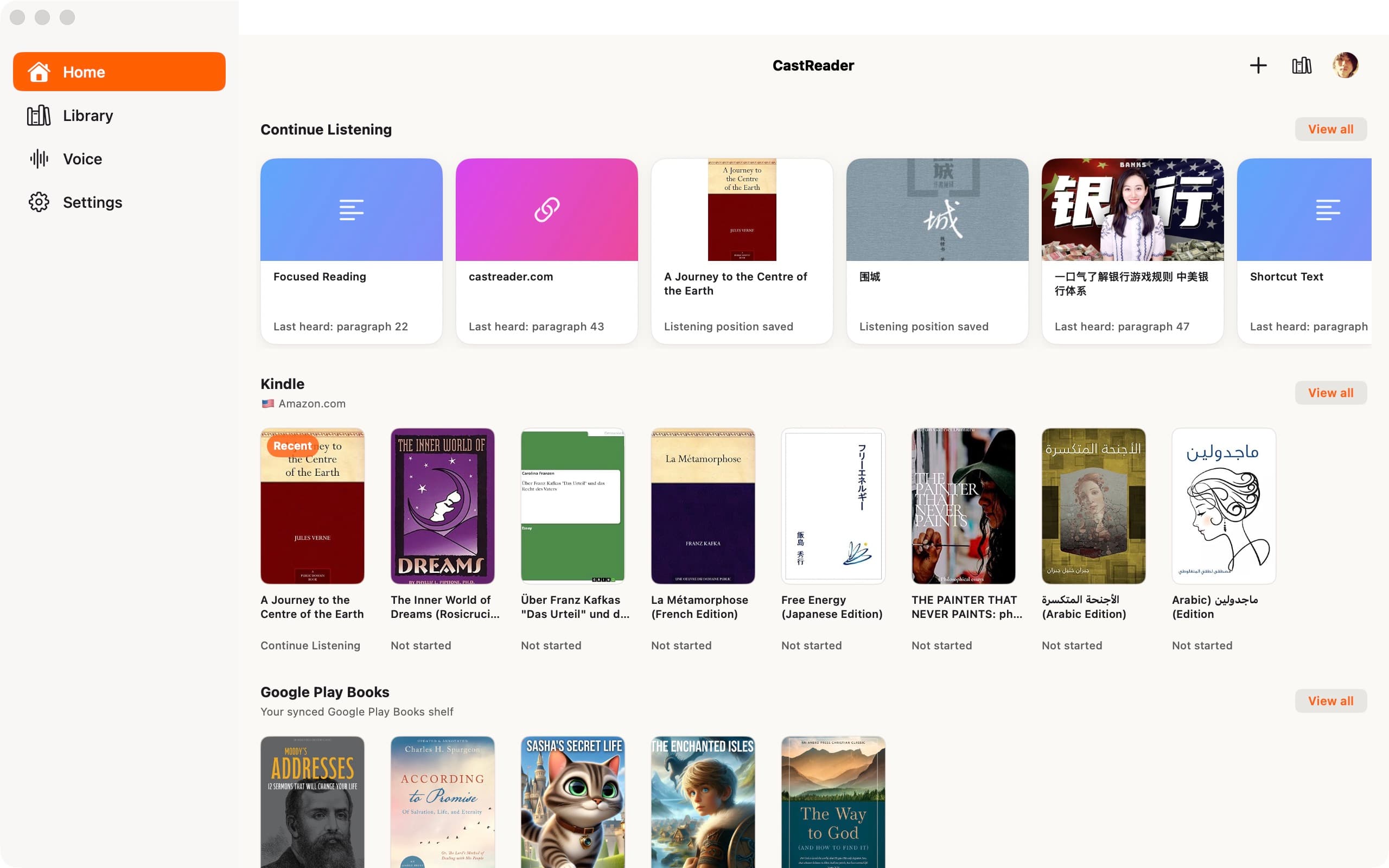
CastReader provides native apps for iPhone and Android; Android downloads are available directly from Google Play.
Technical deep-dive published
Wrote up the OCR pipeline: how CastReader handles Amazon's 184 random font alphabets and 361 unique glyphs per Kindle book. Shared in dev.to.
Mobile Kindle Read Aloud page added
The phone app flow now has its own landing page for bookshelf sync, Read Aloud, synced highlighting, auto-scroll, background playback, and resume progress.
Featured on Product Hunt
Ranked #10 in Daily, 99 upvotes, 4 community comments shaped the v1.2 roadmap.
Voice quality upgrade — Kokoro AI
Switched from older TTS engines to Kokoro neural voices. User reviews shifted from 'usable but robotic' to 'enjoy listening for hours' (verbatim from review by patrick chiang).
First wave of extraction reliability improvements
OCR success rate improved from 78% to 89% on English-language Kindle books. Multi-column page detection added for academic PDFs.
Why This Exists
I built CastReader because I owned hundreds of Kindle books and couldn't listen to them on my morning runs without buying separate Audible copies. The technical problem — Amazon's Cloud Reader font encryption — turned out to be solvable with OCR. The product problem — making it actually pleasant across phones, desktops, and 9 supported languages — took two years of iteration. We're a small team. I answer every Chrome Web Store review personally (see testimonials above — including the 3-star and 1-star ones). If something's broken or missing, email support@castreader.ai.
— Yan Xu, founder
Last reviewed: · CastReader Team — reviewed against 2025 testing data
Listen on Your Phone
Download the CastReader app for DRM-free EPUB import and supported mobile reading workflows.


Read Any Webpage Aloud — Free, No Signup
Skip copy-pasting text. The CastReader extension reads entire articles, blogs, and ebooks directly in your browser with one click.