TRANSLATE & LISTEN · PRACTICAL GUIDE
How to translate Korean speech bubbles on NAVER WEBTOON
On NAVER, the menus and comments are ordinary page text. The Hangul spoken by the characters in 빙의 is drawn into the episode image. Start with the image containing the dialogue.
CastReader · Reviewed:
See the translation on a real comic
These English translations were captured in official chapters using the CastReader desktop extension preview. Each pair shows the same panel. Open either image to inspect it at full size.
Korean speech bubble → English
The Korean lettering is covered and the English translation appears inside the original bubble.
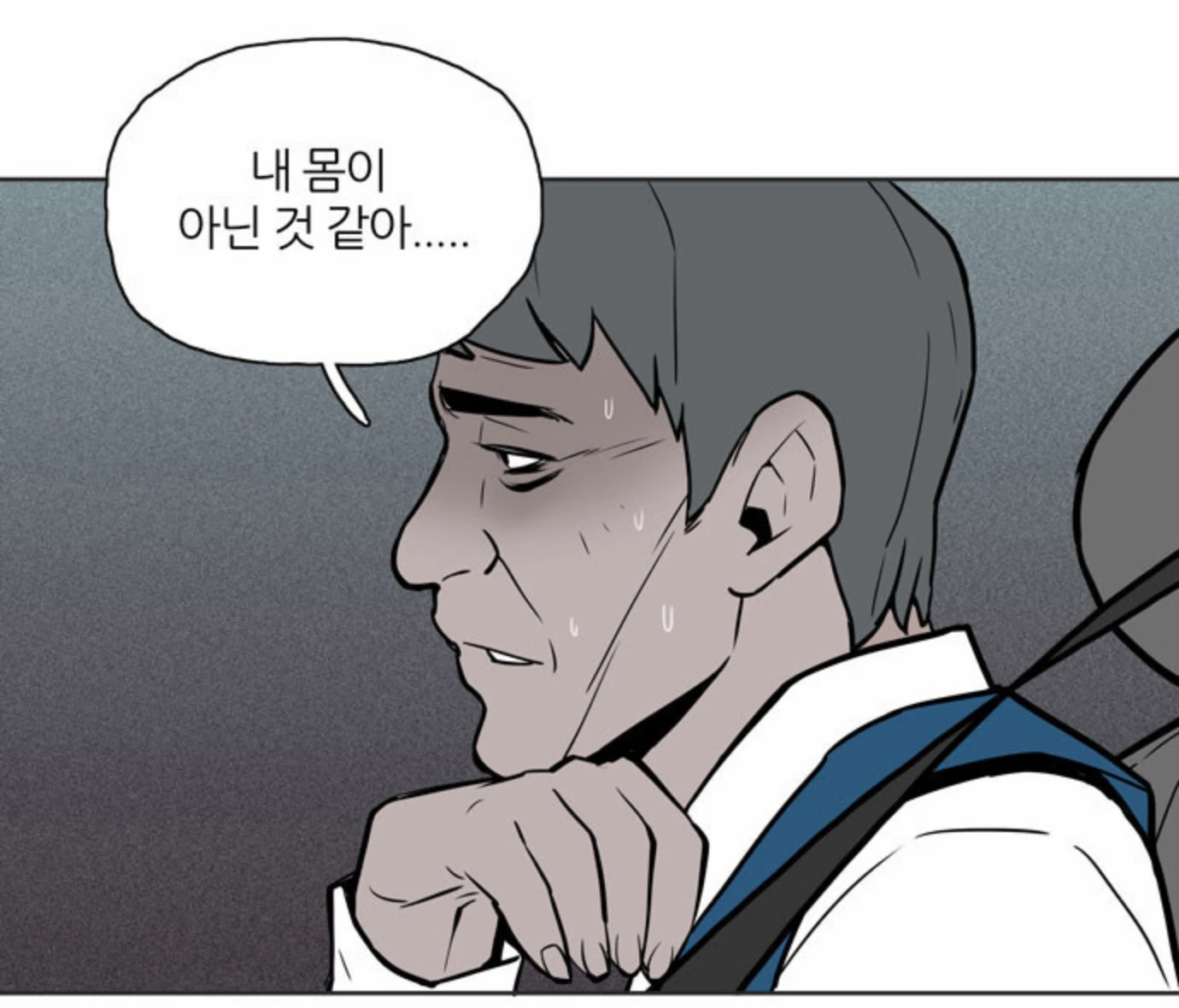
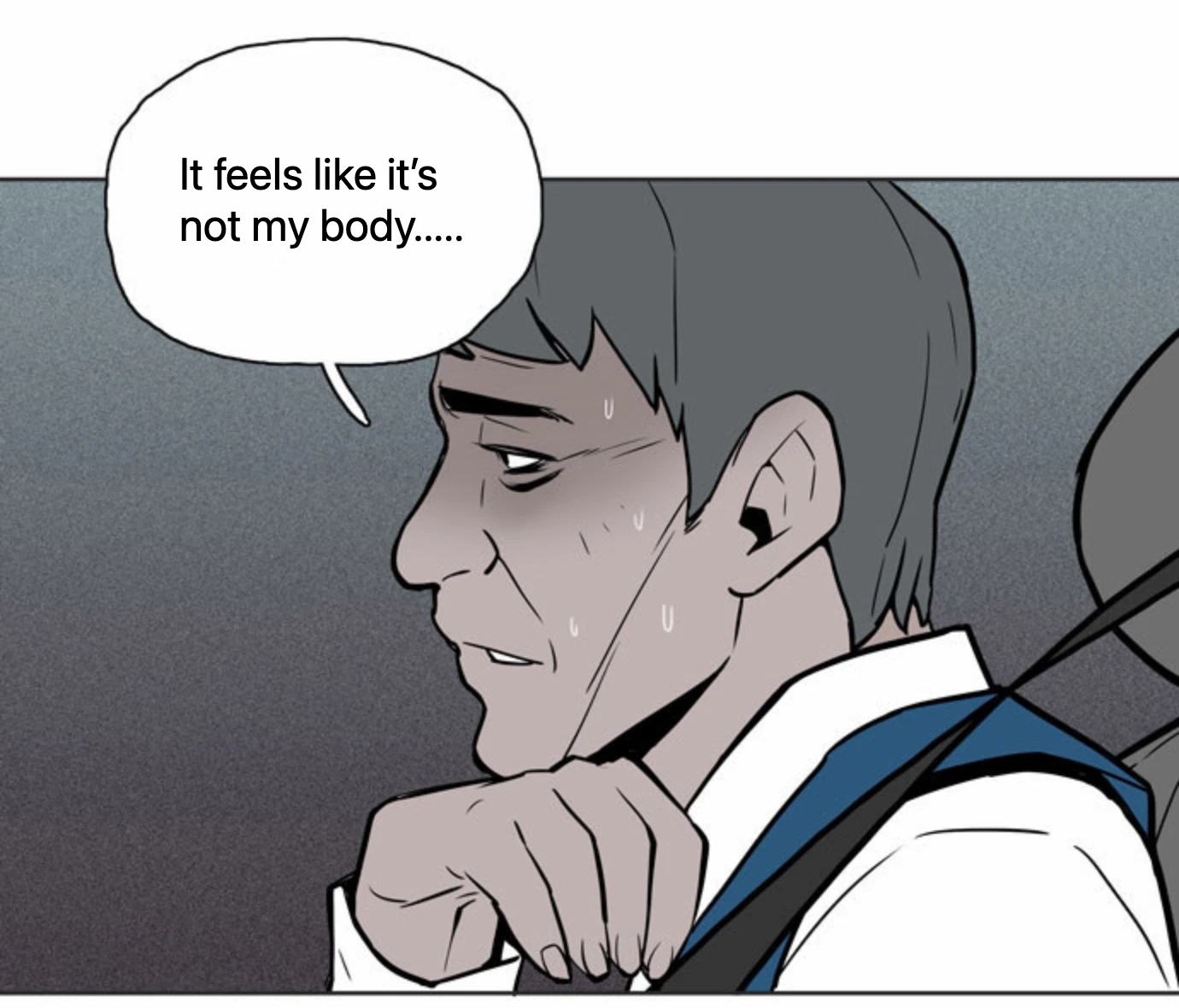
빙의 · #1 귀신에 씌이다 · View the chapter on NAVER WEBTOON. Artwork belongs to its respective creators and publishers.
Read one Korean bubble in context
- Scroll below the episode heading to the illustrated strip. In the desktop extension preview, right-click the image and choose Translate image with CastReader.
- Select Korean as the image language, then your reading language. Play the translation and follow the highlighted line into the next image.
- Use Restore original image to compare punctuation or a faint character at the end of a bubble.
When the end of a bubble looks untidy
A white bubble in the sample left pieces of the Korean lettering visible beside a translated ellipsis. After the masking change, the five recognized passages in the test image displayed Chinese. The surrounding ink and the fine edges of a bubble are good places to compare against the original.
The successful test had Korean recognition data available. An earlier run with an empty cache failed at recognition. If the dialogue never appears, check the image language and try one clear bubble first.
How to translate a WEBTOON episode and listen as it scrolls →Translate a line of comic dialogue
Load an original practice line or type a bubble from the drawing. Choose your languages, then select Translate to compare the text and listen.
Text translation · Preview
Translate, then hear both sides.
No on-device voice for this language.
No on-device voice for this language.
Checking translation availability…
Open this language-pair page: Korean → EnglishVoices & privacy
Translate sends your input to CastReader’s translation service. This tool does not save your original or translated text. Clear or leave the page to end the session. Reading uses on-device voices; languages depend on your device and browser, and do not use CastReader AI reading minutes.