CASTREADER · TRANSLATE & LISTEN
Translate text.
Hear it aloud.
Paste text, compare the translation, and listen to either language. Find examples for your language pair, or explore webpage and YouTube translation in the extension preview.
Translate here. Listen to either language.
Watch translated captions and English narration.
Explore in-page translation in the extension preview.
Text translation · Preview
Translate, then hear both sides.
No on-device voice for this language.
No on-device voice for this language.
Checking translation availability…
Open this language-pair page: Japanese → EnglishVoices & privacy
Translate sends your input to CastReader’s translation service. This tool does not save your original or translated text. Clear or leave the page to end the session. Reading uses on-device voices; languages depend on your device and browser, and do not use CastReader AI reading minutes.
JAPANESE → ENGLISH · YOUTUBE
Keep watching. Follow in another language.
A real screen recording: turn on translation for English captions, then enable narration to hear English with highlighting. Browser extension preview; readable captions required.
Watch the demo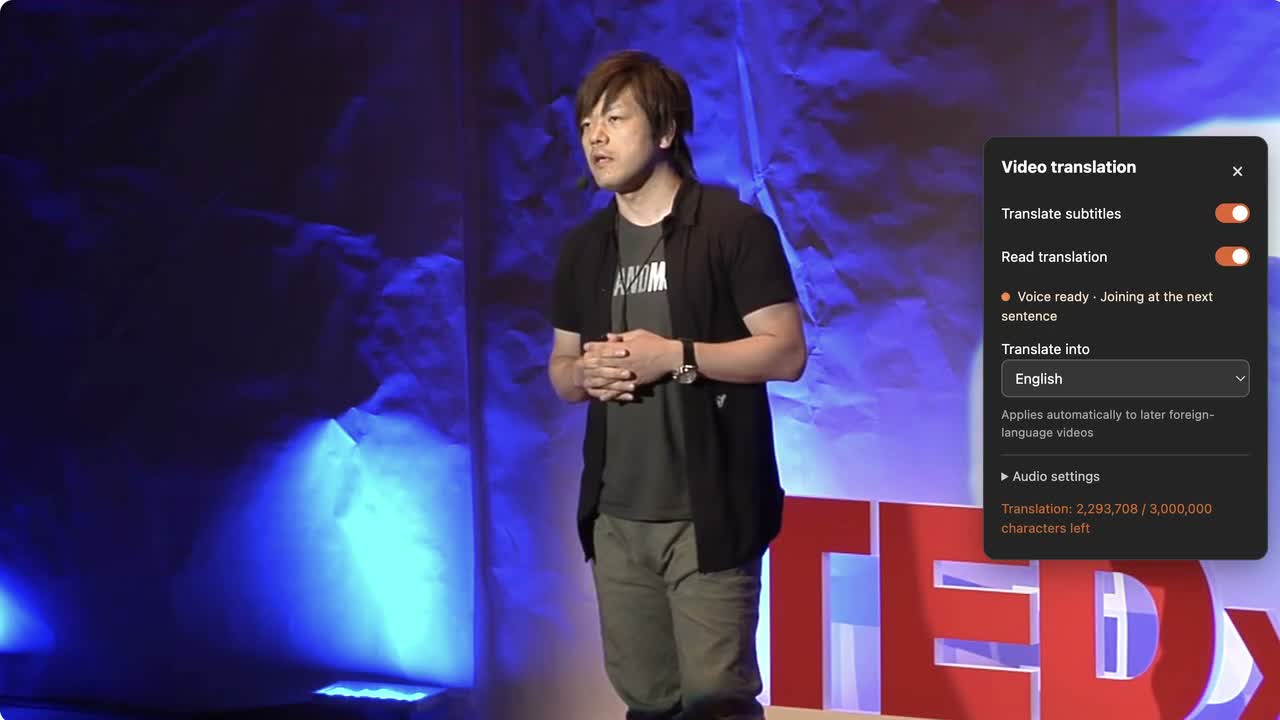
More ways to translate & listen
Paste, translate, compare and listen.
YouTube captions & narrationSee a Japanese video translated and read in English.
Webpage translation guideExplore in-page translation in the extension preview.
Japanese → EnglishOmitted subjects, names and everyday messages.
English → JapanesePoliteness, conditions and phrase boundaries.
Find your language pair
Choose the original language, then a destination. Each direction has its own tool, example and listening guidance.
Start with a worked example
Translate from English
Translate from Japanese
Translate from Chinese (Simplified)
- Chinese (Simplified) → English
- Chinese (Simplified) → Japanese
- Chinese (Simplified) → Chinese (Traditional)
- Chinese (Simplified) → Korean
- Chinese (Simplified) → Spanish
- Chinese (Simplified) → French
- Chinese (Simplified) → German
- Chinese (Simplified) → Portuguese
- Chinese (Simplified) → Italian
- Chinese (Simplified) → Russian
- Chinese (Simplified) → Arabic
Translate from Chinese (Traditional)
- Chinese (Traditional) → English
- Chinese (Traditional) → Japanese
- Chinese (Traditional) → Chinese (Simplified)
- Chinese (Traditional) → Korean
- Chinese (Traditional) → Spanish
- Chinese (Traditional) → French
- Chinese (Traditional) → German
- Chinese (Traditional) → Portuguese
- Chinese (Traditional) → Italian
- Chinese (Traditional) → Russian
- Chinese (Traditional) → Arabic
Translate from Korean
Translate from Spanish
Translate from French
Translate from German
Translate from Portuguese
Translate from Italian
Translate from Russian
Find the right next step
Choose how to follow a foreign-language YouTube video. Compare translated captions, CastReader caption narration and YouTube audio tracks, with practical next steps.
Translation appears, but there is no sound: what to checkFix silent translated text by checking the right reading control, language voice and audio output. Separate the web text tool, YouTube extension preview and demo recording.
Translation, summary, explanation, or read-aloud?Compare four approaches to the same reservation notice, keep two deadlines distinct, and choose what fits your task.
Before you begin
What is the difference between translation and read aloud?
Translation changes text into another language. Read aloud speaks the text you see. You can translate without listening, or listen to the original and translation separately.
Should I use the text tool or the browser extension?
For a passage, paste it directly into the text tool. To keep reading on a webpage or watching YouTube, explore the matching extension preview and guide. Each page explains the content requirements and release status.
Can I translate an entire PDF?
The tool here accepts pasted passages. Document translation in the extension is still undergoing layout verification, so this page does not offer whole-PDF translation.